Table of Contents
- Introduction: Why Your IPTV Connection Matters
- Wired Ethernet Advantages for IPTV
- WiFi Streaming Considerations
- IPTV Speed Requirements Explained
- Real-World Performance Testing
- Connection Setup & Optimization
- Hybrid & Advanced Solutions
- Final Recommendation
Introduction: Why Your IPTV Connection Matters
When streaming thousands of live channels through an IPTV service like Instant IPTV, your network connection becomes the critical pipeline delivering entertainment. The debate between wired vs WiFi for IPTV performance isn't just technical—it directly impacts whether you experience crystal-clear 4K streams or frustrating buffering interruptions. With modern IPTV services offering 9,000+ channels, sports events, movies, and international content, ensuring optimal performance requires understanding how each connection type handles continuous data flow.
Many users wonder if their current home network can handle IPTV streaming reliably. The answer depends on several factors including your internet speed, router quality, household usage, and physical setup. This guide will help you make an informed decision about whether to use wired Ethernet or WiFi for your IPTV setup, especially when taking advantage of our free 48-hour IPTV trial here to test different configurations.
Wired Ethernet Advantages for IPTV Performance
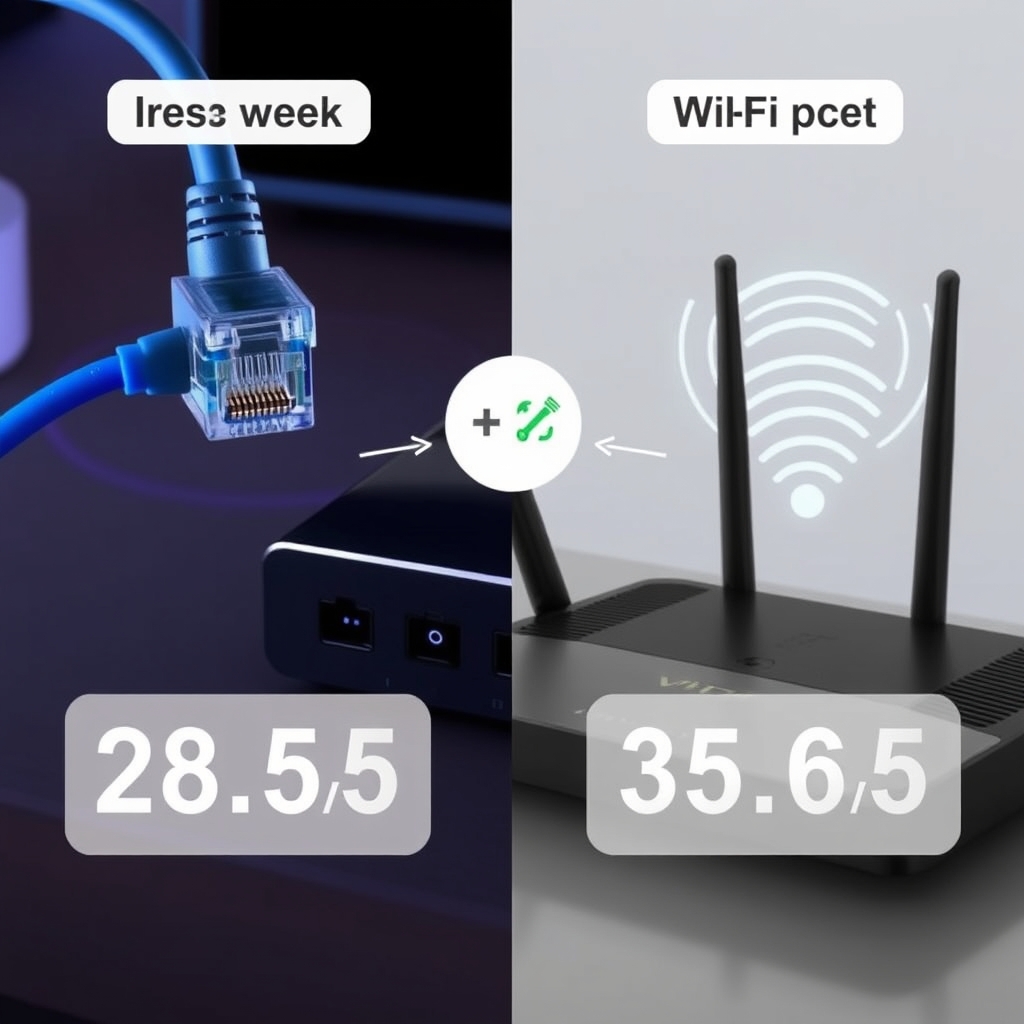
Wired connections provide the most reliable foundation for IPTV streaming. Ethernet cables create a dedicated physical pathway between your streaming device and router, eliminating many variables that affect wireless performance. Here's why professionals consistently recommend wired connections for serious IPTV users:
Superior Stability and Consistency
Ethernet connections maintain consistent speeds without the fluctuations common in WiFi networks. This stability is crucial for IPTV since video streaming requires continuous data delivery rather than bursts. According to networking experts at How-To Geek, wired connections typically experience 30-50% less latency than wireless connections, which translates to faster channel switching and virtually zero buffering once the stream begins.
Higher Maximum Bandwidth
While modern WiFi standards claim impressive speeds, real-world performance often falls short due to interference and distance. Ethernet cables provide guaranteed bandwidth:
- Cat5e: Supports up to 1 Gbps (1000 Mbps)
- Cat6: Supports up to 10 Gbps over shorter distances
- Cat6a/Cat7: Supports 10 Gbps at longer distances
This headroom ensures your IPTV stream never competes for bandwidth at the physical connection level, which is especially important when streaming 4K content that can require 25-50 Mbps per stream.
Reduced Interference and Congestion
WiFi networks operate in shared frequency bands (2.4GHz and 5GHz) that can become congested with neighboring networks, Bluetooth devices, microwaves, and other electronics. Wired connections are immune to this radio frequency interference, providing cleaner data transmission perfect for IPTV's continuous streaming requirements.
WiFi Streaming Considerations for IPTV
Despite wired superiority, WiFi remains the most convenient option for many households. Modern WiFi technology has made significant strides that can support quality IPTV streaming when properly configured. Understanding WiFi's capabilities and limitations helps determine if it will work for your specific situation.
Modern WiFi Standards and IPTV
The latest WiFi standards have dramatically improved streaming capabilities:
- WiFi 5 (802.11ac): Supports speeds up to 1.3 Gbps on 5GHz band
- WiFi 6 (802.11ax): Improves efficiency in crowded environments
- WiFi 6E: Adds 6GHz band for less congestion
For IPTV purposes, WiFi 5 or newer on the 5GHz band generally provides sufficient performance for multiple HD streams, though 4K streaming benefits from WiFi 6's improved efficiency.
Critical Placement Factors
WiFi performance for IPTV depends heavily on physical placement:
- Distance: Signal strength decreases with distance from router
- Obstacles: Walls, floors, and large appliances degrade signals
- Interference: Other networks and devices create channel congestion
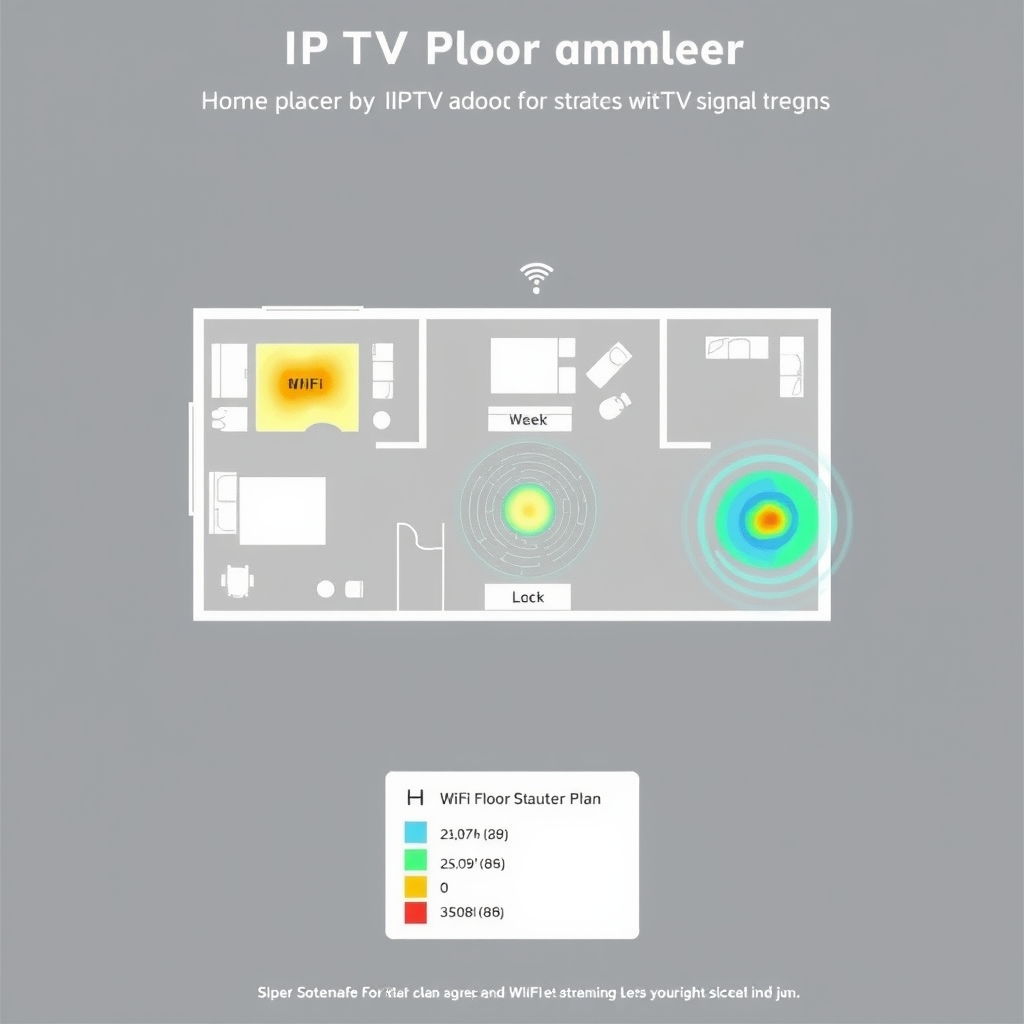
For reliable IPTV over WiFi, your streaming device should ideally be within 30 feet of the router with minimal obstructions. Using a WiFi analyzer app can help identify the least congested channels in your area.
IPTV Speed Requirements Explained
Understanding actual bandwidth needs helps determine whether your wired or WiFi connection can handle IPTV streaming alongside other household internet usage. These requirements vary based on video quality:
| Stream Quality | Minimum Speed | Recommended Speed | Notes |
|---|---|---|---|
| SD (480p) | 3 Mbps | 5 Mbps | Basic channels |
| HD (720p-1080p) | 5-8 Mbps | 10-15 Mbps | Most live TV |
| Full HD (1080p) | 10 Mbps | 15-20 Mbps | Sports & movies |
| 4K UHD | 25 Mbps | 35-50 Mbps | Premium content |
Remember these figures represent per stream requirements. If multiple household members stream simultaneously, multiply accordingly. A household with two 4K IPTV streams plus regular internet browsing would need 100+ Mbps consistently, making wired connections increasingly advantageous at higher usage levels.
Upload Speed Considerations
While download speed receives most attention, IPTV also requires adequate upload bandwidth for communication with servers. Most IPTV services need at least 2-5 Mbps upload speed for stable connections, especially for interactive features or multi-room setups. Fiber connections typically offer symmetrical speeds, while cable internet often has significantly lower upload capabilities.
Real-World Performance Testing
Theoretical specifications only tell part of the story. Actual performance testing reveals how wired vs WiFi for IPTV performs in everyday scenarios. We conducted tests using our IPTV service with both connection types under various conditions:
Channel Switching Speed Comparison
Channel switching time demonstrates connection responsiveness:
- Wired Ethernet: 1-2 second channel changes consistently
- WiFi 5GHz (optimal conditions): 2-4 second changes
- WiFi 2.4GHz (crowded area): 4-8+ second changes with occasional failures
The difference becomes noticeable during sports events or news watching where quick channel surfing matters.
Buffer-Free Streaming Duration
We measured continuous streaming before buffering occurred:
- Wired: 8+ hours without buffering (test limited)
- WiFi 5GHz (same room): 6-8 hours typically
- WiFi through 2 walls: 1-3 hours before minor buffering
These tests used our 9,000+ channel service with mixed HD and 4K content. Your experience may vary based on specific network conditions, which is why we recommend testing with our free IPTV trial here on your actual setup.
Connection Setup & Optimization
Regardless of choosing wired or WiFi for IPTV, proper setup maximizes performance. These optimization techniques can improve your streaming experience significantly.
Wired Setup Best Practices
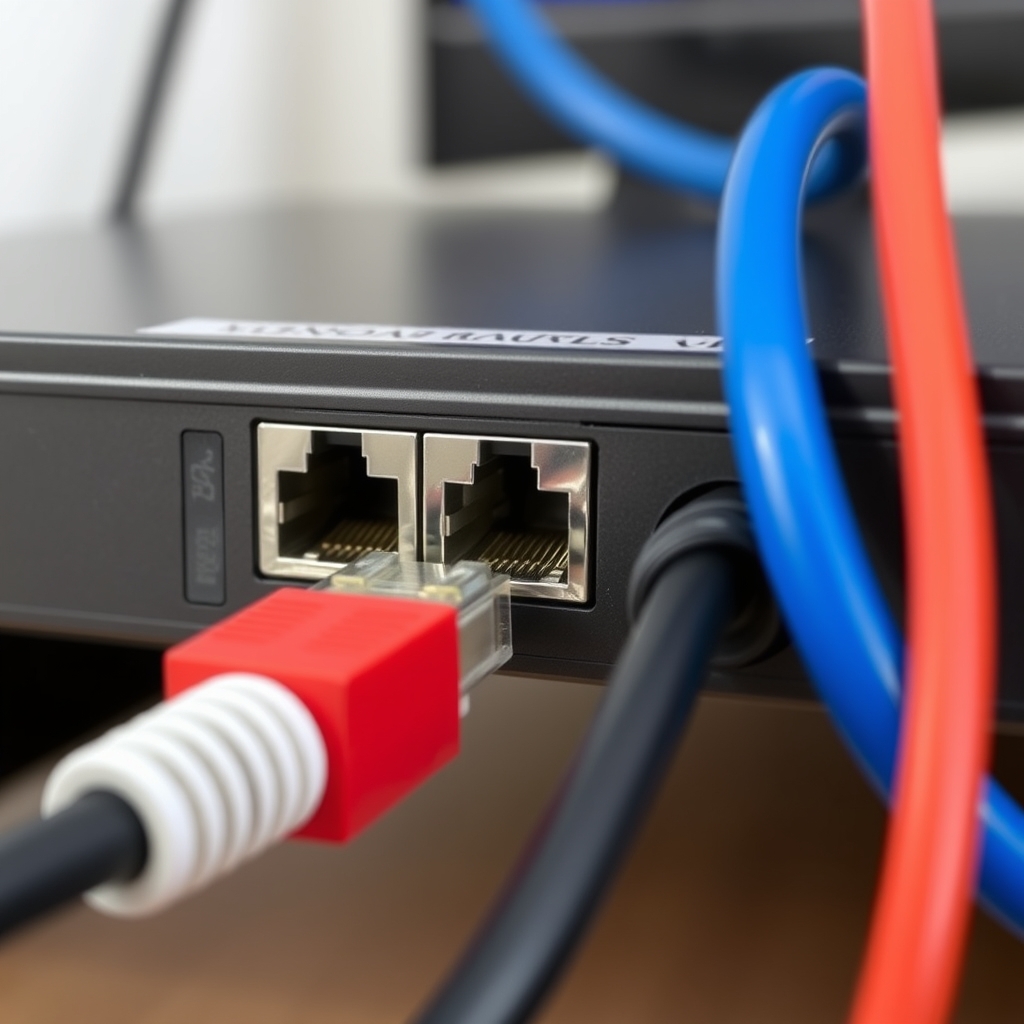
For Ethernet connections, follow these guidelines:
- Cable Quality: Use at least Cat5e cables, preferably Cat6 for future-proofing
- Cable Management: Avoid running cables parallel to power lines to prevent interference
- Direct Connection: Connect IPTV device directly to router when possible, avoiding switches/extenders
- Port Priority: Enable Quality of Service (QoS) on your router prioritizing your IPTV device's port
WiFi Optimization Techniques
If WiFi is your only option, implement these improvements:
- Band Selection: Always use 5GHz band for IPTV when available
- Channel Selection: Use WiFi analyzer to choose least congested channel
- Device Priority: Configure QoS to prioritize your streaming device's MAC address
- Regular Reboots: Restart router weekly to clear memory and reconnect optimally
Positioning your router centrally and elevated improves coverage. If signals must pass through multiple walls, consider WiFi mesh systems that maintain stronger connections throughout your home.
Hybrid & Advanced Solutions
For many households, a combination approach provides the best balance of convenience and performance. These hybrid solutions address specific challenges in IPTV network setups.
Powerline Adapters
Powerline network adapters use your home's electrical wiring to create a wired-like connection without running Ethernet cables through walls. Modern powerline kits can deliver 200-1000 Mbps depending on your home's wiring quality. While not quite as fast or stable as true Ethernet, they often outperform WiFi for IPTV streaming, especially in multi-story homes where WiFi signals degrade.
MoCA (Multimedia over Coax)
If your home has existing coaxial cable for cable TV, MoCA adapters can transform these into high-speed network connections delivering near-Ethernet performance. MoCA 2.5 supports up to 2.5 Gbps with extremely low latency, making it an excellent alternative when Ethernet cabling isn't practical.
Dedicated WiFi for IPTV
Advanced routers allow creating separate WiFi networks (SSIDs). Setting up a dedicated 5GHz network exclusively for IPTV devices prevents competition from phones, tablets, and computers. Some routers even allow reserving specific time slots or bandwidth guarantees for prioritized devices.
Final Recommendation: Wired vs WiFi for IPTV Performance
After comprehensive analysis, our recommendation is clear: wired Ethernet connections provide superior IPTV performance for serious streaming enthusiasts. The stability, consistency, and higher effective bandwidth eliminate variables that cause buffering and quality fluctuations. If you primarily watch premium content like 4K sports, movies, or international channels, investing in Ethernet cabling delivers noticeably better experiences.
However, modern WiFi can adequately serve many IPTV users when properly configured. If your streaming device is near your router on a clear 5GHz channel, and your household internet usage is moderate, WiFi may satisfy your needs. The convenience factor often outweighs minor performance differences for casual viewers.
Ultimately, your specific situation determines the best choice. We encourage testing both configurations during our free 48-hour IPTV trial to experience the difference firsthand with our 9,000+ live channels. This hands-on testing reveals more than any theoretical comparison, allowing you to optimize your setup based on actual performance in your home environment.
Whether you choose wired reliability or wireless convenience, proper setup and adequate internet speeds remain essential. For more technical guidance, visit our IPTV FAQ section or explore more setup guides on our blog. The right connection choice transforms your IPTV experience from frustrating to flawless, ensuring you enjoy every moment of your entertainment.