Why Is My IPTV Buffering and How to Fix It: The Complete Guide
If you've ever settled in to watch your favorite show or a big game, only to be met with the dreaded spinning wheel and constant pauses, you've asked yourself: why is my IPTV buffering? Buffering is the most common frustration for IPTV users, but the good news is that it's usually fixable. This comprehensive guide will walk you through the 12 most likely causes of IPTV buffering and provide clear, actionable solutions. Whether you're testing a free IPTV trial here or are a long-time subscriber, these fixes will help you achieve the smooth, reliable streaming you deserve across 9,000+ live channels.
Table of Contents
- 1. Insufficient Internet Speed & Bandwidth
- 2. Wi-Fi Network Instability
- 3. ISP Throttling or Congestion
- 4. Overloaded IPTV Server
- 5. Outdated App or Device
- 6. VPN Interference
- 7. DNS Server Issues
- 8. Device Performance & Cache
- 9. Wrong Video Player Settings
- 10. Household Bandwidth Competition
- 11. Firewall or Antivirus Blocking
- 12. Faulty Cables or Hardware
- Conclusion: Enjoy Buffer-Free IPTV
1. Insufficient Internet Speed & Bandwidth
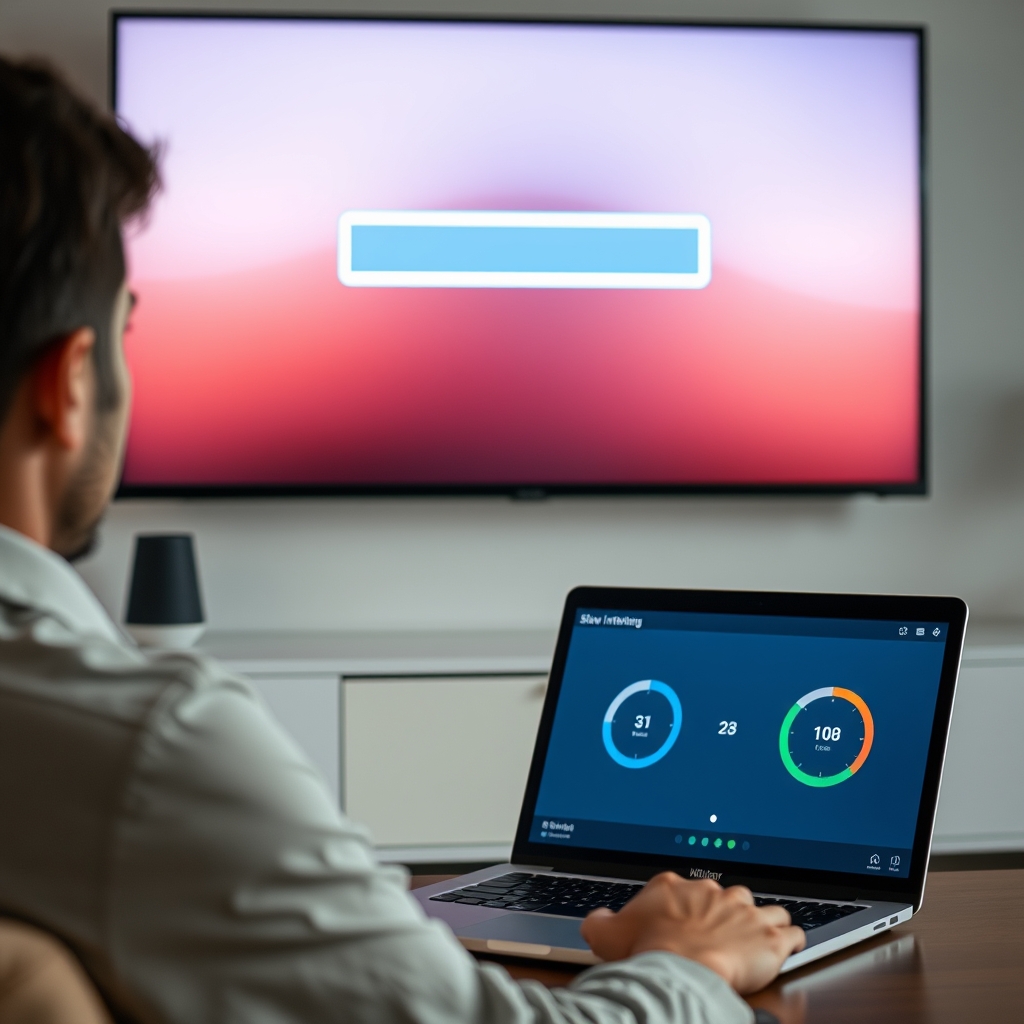
This is the number one culprit. IPTV streaming, especially in HD or 4K, requires a consistent and fast internet connection. If your bandwidth is too low, the stream can't download data fast enough, causing IPTV buffering.
How to Fix It:
- Run a Speed Test: Use sites like Speedtest.net on your streaming device. For stable HD streaming, you need a minimum of 15-25 Mbps. For 4K/FHD, aim for 40+ Mbps.
- Upgrade Your Plan: Contact your Internet Service Provider (ISP) if your speeds are consistently below requirements.
- Test During Off-Peak Hours: If speed is only low at certain times, it may be network congestion (covered next).
2. Wi-Fi Network Instability
Wi-Fi signals can be weak, intermittent, or interfered with by other devices and walls. A fluctuating connection is a prime reason for why your IPTV is buffering.
How to Fix It:
- Use a Wired Connection (Ethernet): This is the single best improvement. Connect your device (Firestick, Android Box, Smart TV) directly to your router with an Ethernet cable for maximum stability.
- Optimize Wi-Fi Placement: Move your router to a central location, away from walls, metal objects, and other electronics like microwaves or cordless phones.
- Use a 5 GHz Band: If your router supports it, connect your streaming device to the less-congested 5 GHz network instead of 2.4 GHz.
- Consider a Wi-Fi Extender or Mesh System: For large homes, these can eliminate dead zones.
3. ISP Throttling or Congestion
Some ISPs intentionally slow down (throttle) streaming traffic during peak hours. Even without throttling, general network congestion in your area can slow your connection.
How to Fix It:
- Use a Premium VPN: A good VPN encrypts your traffic, hiding your streaming activity from your ISP and potentially bypassing throttling. Test your stream with and without a VPN to see if it improves.
- Contact Your ISP: Ask if they have policies regarding streaming traffic during peak times.
4. Overloaded IPTV Server
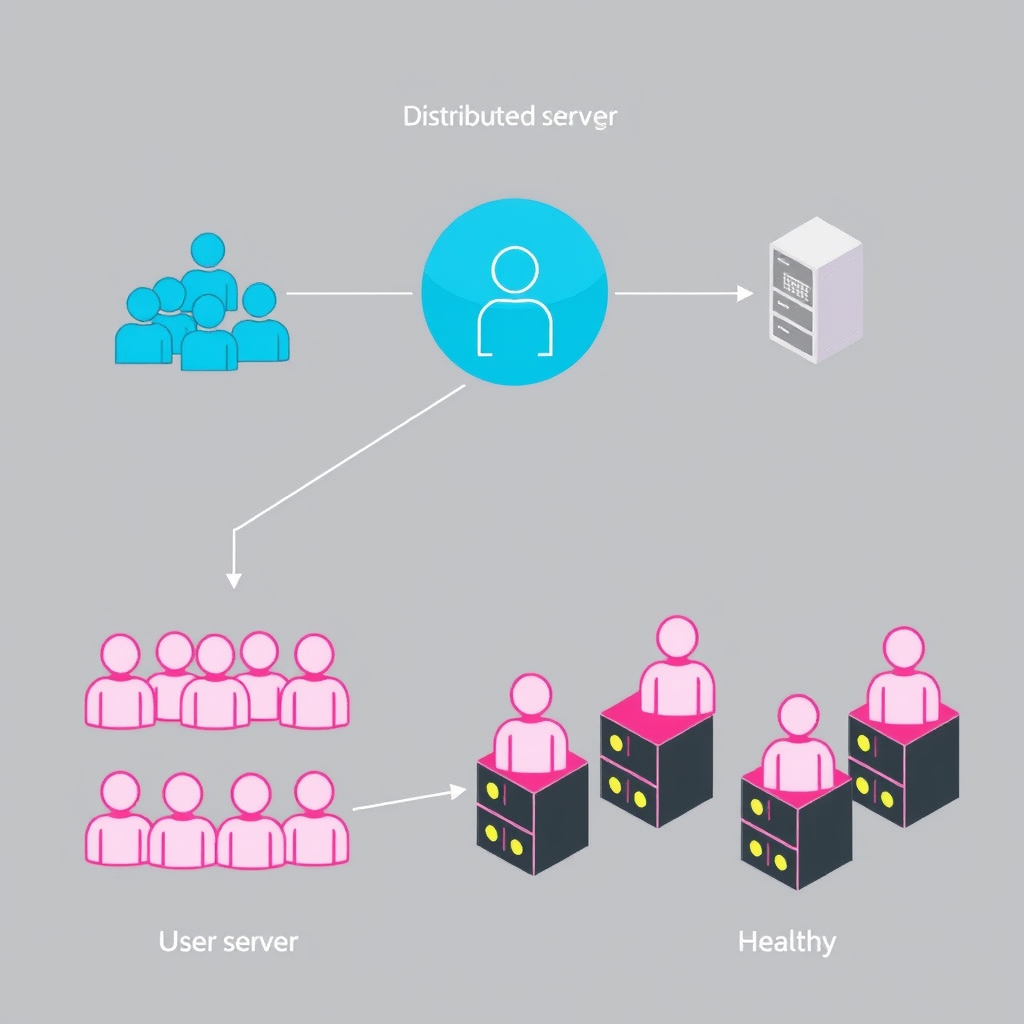
During major live events (like championship games), even the best IPTV servers can become overloaded with too many users, leading to buffering for everyone. This is a service-side issue.
How to Fix It:
- Switch the Channel Stream: Most IPTV services offer multiple links (servers) for popular channels. Use your app's option to switch to a different stream (e.g., from "Server 1" to "Server 2").
- Report the Issue: Contact your provider's support. A reputable service, like the one offering a free 48-hour IPTV trial, will have robust servers and backup infrastructure to minimize this.
5. Outdated App or Device
Running an old version of your IPTV player app (like Tivimate, Smarters, or the provider's custom app) or having outdated device firmware can cause compatibility and performance issues.
How to Fix It:
- Update Your IPTV App: Go to your device's app store (Google Play Store, Amazon Appstore) and check for updates for your streaming app.
- Update Device Software: Check for system updates for your Firestick, Android TV, or Smart TV in the settings menu.
- Clear App Data/Cache: Sometimes corrupted cache causes IPTV buffering. Go to your device's Application Manager, find the IPTV app, and clear its cache and data (you may need to re-enter your login details).
6. VPN Interference
While a VPN can help with throttling, a poor-quality VPN or one with a slow server can itself become the bottleneck, causing severe buffering.
How to Fix It:
- Connect to a Different VPN Server: Choose a server geographically closer to you or to your IPTV provider's location.
- Disable the VPN Temporarily: As a test, turn off your VPN completely. If the buffering stops, your VPN is the issue.
- Invest in a Premium VPN: Free VPNs often have slow speeds and data caps. Use a reputable paid VPN known for fast streaming speeds.
7. DNS Server Issues
Your device uses DNS servers to find the IP addresses of streaming servers. Slow or unreliable DNS servers from your ISP can introduce delays.
How to Fix It:
- Change Your DNS Settings: Manually set your device's or router's DNS to a faster public service like Google DNS (8.8.8.8, 8.8.4.4) or Cloudflare DNS (1.1.1.1).
8. Device Performance & Cache
Older or low-powered devices (like basic Firestick Lite or old Android boxes) may struggle to decode high-quality video streams in real-time. A full storage can also hamper performance.
How to Fix It:
- Restart Your Device: A simple reboot can clear temporary memory issues.
- Free Up Storage Space: Uninstall unused apps and clear caches for other apps to ensure your streaming device has ample free space.
- Consider a Hardware Upgrade: If you're using a very old device, upgrading to a newer model (e.g., Firestick 4K Max, NVIDIA Shield) can eliminate performance-related buffering issues.
9. Wrong Video Player Settings
Most IPTV apps let you choose a video player (like HW Player, VLC, or EXO Player). Using the wrong one or incorrect settings like excessive buffer size can cause problems.
How to Fix It:
- Experiment with Players: In your IPTV app's settings, try switching between HW (Hardware), SW (Software), and external players like VLC.
- Adjust Buffer/Cache Settings: Some apps allow you to increase the buffer size. Try increasing it slightly, but not excessively.
10. Household Bandwidth Competition
Other devices in your home—phones, tablets, gaming consoles, computers—can consume huge amounts of bandwidth through downloads, video calls, or online gaming, starving your IPTV stream.
How to Fix It:
- Pause Large Downloads/Updates: Schedule Windows updates, game downloads, and cloud backups for times when you're not streaming.
- Use QoS on Your Router: Quality of Service (QoS) settings let you prioritize traffic to your streaming device over others on the network.
11. Firewall or Antivirus Blocking
Overly aggressive security software on your device or router might mistakenly identify IPTV traffic as suspicious and intermittently block it.
How to Fix It:
- Create an Exception: Temporarily disable your firewall or antivirus (for testing only) to see if it stops the buffering. If it does, add your IPTV app to the software's whitelist or safe list.
12. Faulty Cables or Hardware
Don't overlook the physical layer. A damaged Ethernet cable, a failing router, or even a faulty power adapter for your streaming stick can cause intermittent connectivity.
How to Fix It:
- Inspect and Replace Cables: Try a different Ethernet cable if you're using one.
- Power Cycle Everything: Unplug your modem, router, and streaming device from power for 2 full minutes, then plug them back in (modem first, wait for lights, then router, then device). This solves many unexplained issues.
Conclusion: Enjoy Buffer-Free IPTV
Understanding why your IPTV is buffering is the first step to fixing it. Start with the fundamentals: test your internet speed and try a wired connection. Then methodically work through the other common causes like server switching, updating apps, and checking for ISP throttling. A high-quality IPTV service is also critical. The best way to test server reliability and stream quality is to try it yourself. You can experience a vast library of 9,000+ channels without IPTV buffering by starting a free IPTV trial here. For more technical tips, visit our FAQ page. With the right setup and a robust service, you can say goodbye to buffering and hello to seamless entertainment.