Understanding IPTV M3U Playlists: Your Gateway to Streaming TV
If you're exploring the world of Internet Protocol Television (IPTV), you've likely encountered the term IPTV M3U playlist. This simple text file is the backbone of how many IPTV services deliver thousands of live channels, movies, and TV shows directly to your devices. An M3U playlist acts as a roadmap, telling your media player where to find each stream on the internet. For anyone starting with a free IPTV trial here, understanding M3U playlists demystifies the technology and empowers you to customize your viewing experience. This guide will break down exactly what M3U playlists are, how they function, and how you can use them to unlock over 9,000 channels with services like Instant IPTV.
What Exactly is an IPTV M3U Playlist?
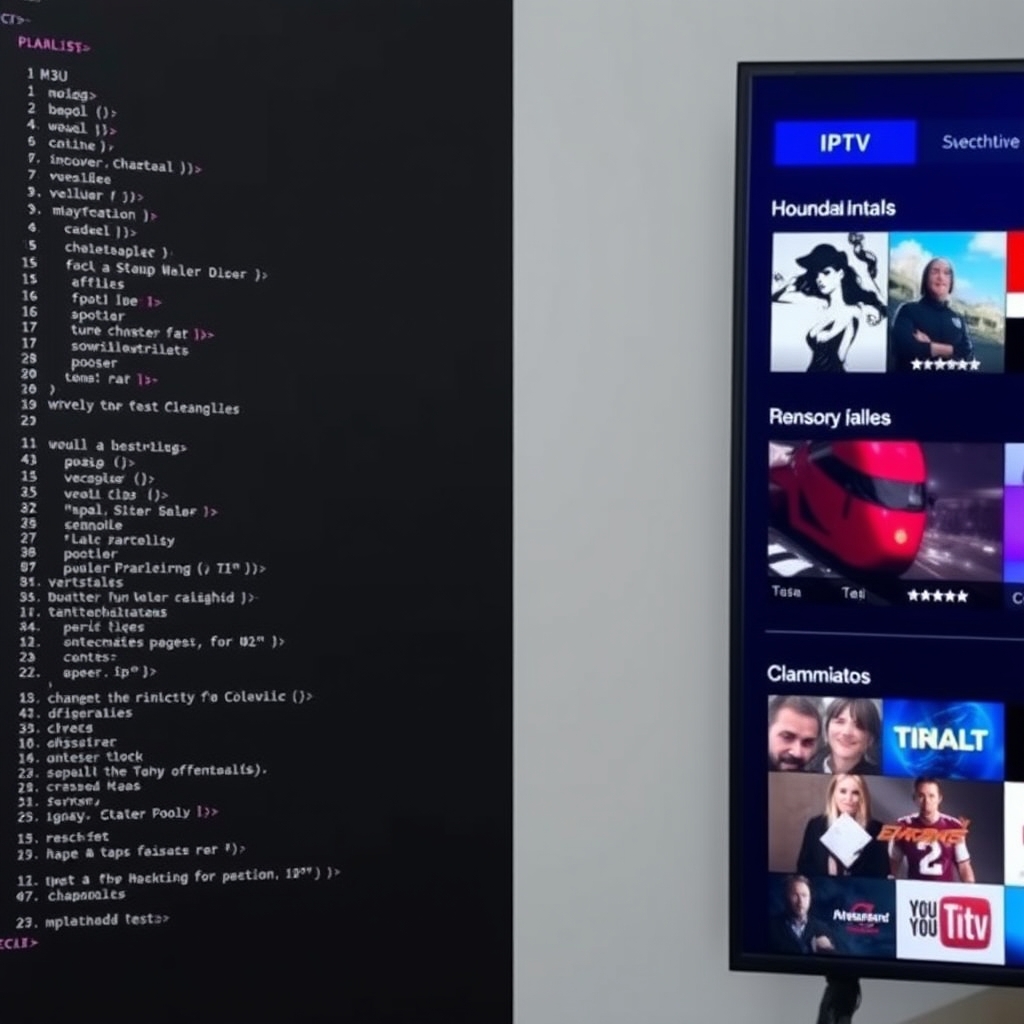
At its core, an IPTV M3U playlist is a plain text file with the .m3u or .m3u8 extension that contains a list of media file locations. Originally developed for MP3 playlists, the M3U format was adapted for video streaming. For IPTV, each line in the playlist typically represents a single TV channel or video-on-demand item and includes a direct URL link to the stream's source on a server. When you load this file into a compatible IPTV player app, the app reads the list and presents you with a clickable guide of all available channels, fetching the live stream from the provided URL when you select one. It's a lightweight, universal method for organizing and accessing massive channel lists without needing a proprietary app interface.
How Do M3U Playlists Work with IPTV Services?
The process is elegantly simple. Your IPTV provider, such as Instant IPTV, maintains powerful servers that broadcast live channel streams. They generate a unique M3U playlist link for each subscriber. This link points to their server and contains your subscription credentials. When you enter this link into an IPTV player like VLC, TiviMate, or IPTV Smarters, the player sends a request to the provider's server. The server authenticates you and sends back the current playlist data—an updated list of channel URLs. Your player then interprets this list, often downloading electronic program guide (EPG) data to show you what's on, and allows you to tune into any channel instantly. This is the technology that powers your free trial, giving you immediate access to a world of content.
Key Components of a Typical M3U Playlist Entry
A single channel entry in an M3U file includes several key pieces of information:
- #EXTINF: This metadata line specifies the channel's duration (-1 for live) and its name as displayed in your player (e.g., `#EXTINF:-1, BBC One HD`).
- Stream URL: The next line is the critical HTTP or HTTPS link that points directly to the video stream on the provider's server.
- Optional Attributes: Advanced playlists may include logos (tvg-logo), group titles (group-title="UK Entertainment"), and EPG IDs for program guides.
This structure allows for incredible flexibility and organization, letting providers categorize channels by country, genre, or language.
Why Use M3U Playlists? Key Benefits for Viewers
Choosing an IPTV service that supports M3U playlist integration offers several distinct advantages over closed-system apps.
- Device Compatibility: M3U is a near-universal standard. You can use your playlist on dozens of different apps and devices—smart TVs (via apps), Android boxes, Firesticks, iOS, Windows, and Mac—giving you freedom of choice.
- Centralized Management: All your channels are managed from one link. If the provider adds a new channel or updates a stream URL, your playlist link automatically fetches the updated list—no app update required.
- Customization: Advanced users can edit their local copy of the playlist to remove unwanted channels, create favorite groups, or change the channel order, personalizing their TV experience.
- Simplicity: For the provider, it's efficient. For the user, it's often just a matter of copying and pasting a single URL to get started with thousands of streams.
Getting Started: How to Use an M3U Playlist with Your Free Trial
Using an IPTV M3U playlist is straightforward. Here’s a step-by-step guide to get you watching in minutes with your free IPTV trial.
- Obtain Your M3U Link: After signing up for a free 48-hour IPTV trial at Instant IPTV, you will receive your unique M3U playlist URL via email or in your account dashboard. This link is your key.
- Choose an IPTV Player App: Download a reputable player on your device. Popular free options include VLC Media Player (for all platforms) or IPTV Smarters Pro.
- Input the Playlist URL: Open your chosen app. Look for an option like "Add Playlist," "Add URL," or "Xtream Codes API." Paste your full M3U link provided by Instant IPTV into the field.
- Load and Enjoy: Save the configuration. The app will fetch the playlist from Instant IPTV's servers, load all 9,000+ channels and VOD, and present you with a fully organized TV guide. Start streaming!
If you encounter issues, check our FAQ page for common setup solutions.
Safety, Legality, and Choosing a Reliable Provider
It's crucial to approach IPTV M3U playlists with awareness. The M3U format itself is neutral, but the content it points to determines legality. Playlists that provide access to copyrighted content without proper licensing are illegal. Always ensure your provider, like Instant IPTV, operates with the necessary distribution rights. According to a U.S. Copyright Office overview, unauthorized streaming of copyrighted material can infringe on rights holders' claims. Furthermore, free playlists from unknown sources can pose security risks, including malware or phishing attempts. A reputable, paid service with a transparent free trial offers stability, security, HD quality, and reliable customer support—key factors for a good viewing experience.
Red Flags for Untrustworthy M3U Sources
- Lifetime subscriptions for a very low, one-time fee.
- No free trial or demo period to test the service.
- Playlists that are static files (.m3u) emailed to you instead of dynamic links (which providers can update).
- No customer support or contact information.
Common M3U Playlist Issues and Troubleshooting
Even with a great service, you might face minor hiccups. Here are common IPTV M3U playlist problems and their fixes.
- "Playlist Failed to Load" or "Invalid URL": Double-check you've copied the entire link correctly, with no extra spaces. Ensure your internet connection is active.
- Channels Buffering: This is often a local internet speed issue. Try lowering the stream quality in your player's settings or connect your device via Ethernet for stability.
- Missing Channels or EPG: Your player may have cached an old list. Use the "Update Playlist" or "Refresh" function in your app settings.
- Authentication Error: Your subscription may have expired, or the trial may have ended. Contact your provider's support to check your account status.

Beyond Basics: Advanced M3U Management
For users who want more control, your IPTV M3U playlist can be a tool for customization. You can use desktop software like Notepad++ to edit a downloaded copy of your playlist file: delete channels you don't watch, create custom groups by editing the `group-title` tag, or merge multiple playlists. Furthermore, you can integrate your playlist with advanced home media software like Plex (using the xTeVe plugin) or Kodi to create a unified entertainment hub. Remember, for any major edits, always keep a backup of your original playlist URL.
Conclusion: Unlock Streaming Freedom with IPTV M3U Playlists
Understanding IPTV M3U playlists is the first step toward taking full control of your modern TV experience. This versatile, simple format bridges the gap between powerful IPTV servers and the screen in your living room, offering compatibility, choice, and potential for customization. By choosing a legitimate, high-quality provider like Instant IPTV that utilizes this technology, you gain reliable access to a staggering array of live global content. The best way to see the power of a well-maintained M3U service in action is to experience it yourself. We invite you to start your free 48-hour IPTV trial today, use your own M3U playlist link, and explore over 9,000 channels of live TV, sports, news, and entertainment in stunning clarity. Discover why M3U remains a cornerstone of IPTV delivery for millions of satisfied streamers worldwide.
Ready to learn more? Check out our more guides on getting the best picture quality and setting up IPTV on specific devices.