Table of Contents
Understanding IPTV EPG and Why It Matters
When your IPTV EPG is not loading, it transforms your viewing experience from seamless to frustrating. The Electronic Program Guide (EPG) serves as the digital roadmap for your IPTV service, displaying program schedules, show descriptions, and channel information in an organized format. This essential feature allows you to browse through 9,000+ live channels efficiently, plan your viewing schedule, and discover new content without guesswork.
The EPG not loading issue typically manifests as blank screens where program information should appear, incomplete data displays, or persistent loading indicators that never resolve. According to streaming technology experts at Streaming Media, EPG functionality represents one of the most critical components of modern IPTV services, directly impacting user satisfaction and engagement metrics.
Before diving into specific fixes, it's important to understand that EPG problems can originate from multiple sources: your device, your IPTV application, your network connection, or your service provider. Identifying the correct source of the problem is the first step toward implementing the right IPTV EPG not loading fix.
Quick Fixes for EPG Not Loading
Start with these simple solutions that resolve most common EPG loading problems within minutes. These basic troubleshooting steps address the most frequent causes of EPG failures.
1. Restart Your Device and Application
The simplest IPTV EPG not loading fix often involves restarting your streaming device and IPTV application. Temporary software glitches, memory leaks, or cached data corruption can prevent the EPG from loading properly. Power cycle your device completely (don't just put it to sleep), wait 30 seconds, then restart. Launch your IPTV app fresh and check if the EPG loads.
2. Clear Application Cache and Data
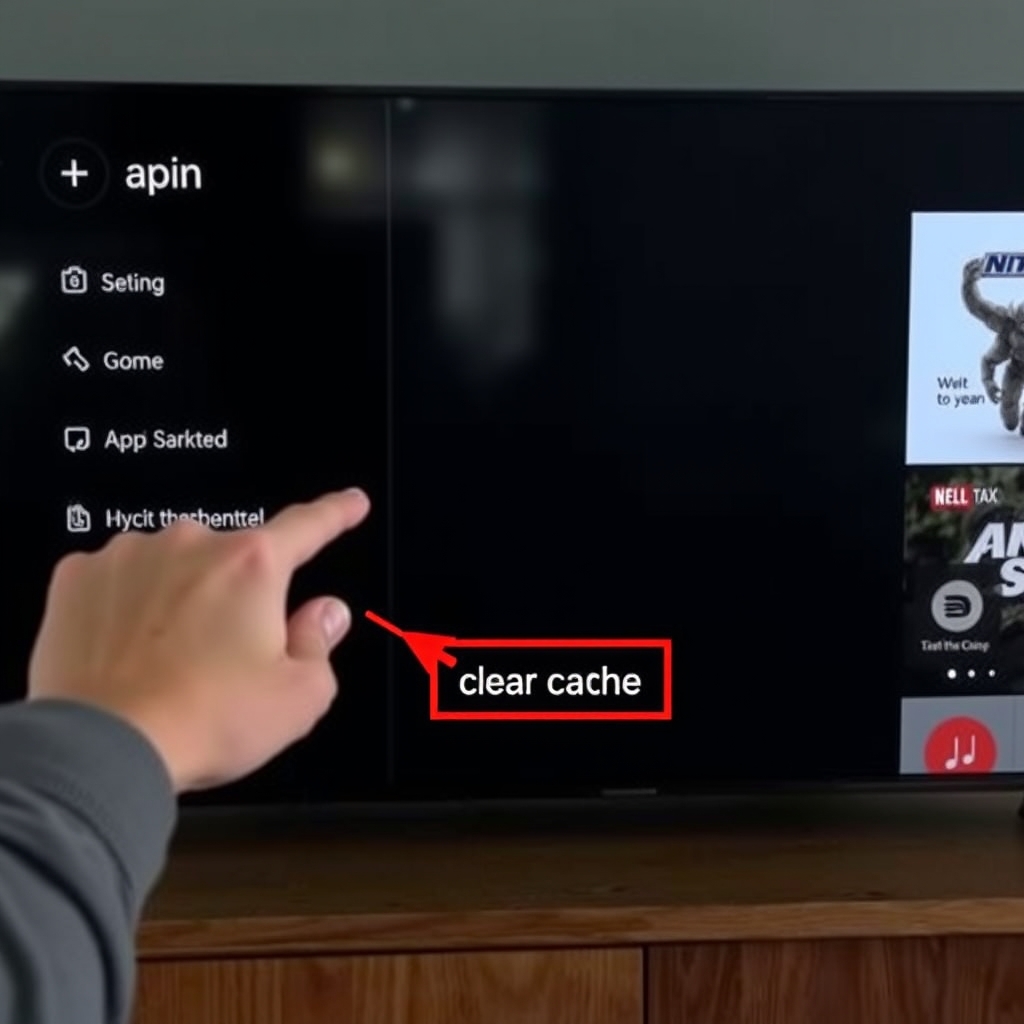
Accumulated cache files can interfere with EPG functionality. Navigate to your device's settings, find the IPTV application in the apps section, and clear both cache and data. Note that clearing data will reset the app to its default state, so you'll need to re-enter your login credentials. This IPTV EPG not loading fix resolves data corruption issues that specifically affect guide loading.
3. Check EPG Source Settings
Many IPTV applications allow you to configure EPG sources manually. If your EPG is not loading, verify that the correct EPG URL is entered in your app settings. Sometimes providers update their EPG sources, requiring users to update their configuration. Contact your service provider or check their support documentation for the current EPG URL if you're unsure.
App-Specific EPG Troubleshooting
Different IPTV applications have unique characteristics that affect EPG performance. Here's how to address EPG not loading issues in popular apps.
For TiviMate Users
TiviMate is renowned for its excellent EPG implementation, but issues can still occur. If your EPG is not loading in TiviMate, try these specific fixes: Update to the latest version through the official website or app store, reconfigure your playlist with updated EPG sources, and adjust EPG update settings to ensure regular refreshes. The 'Update EPG' option in settings often resolves loading problems immediately.
For Smart IPTV and Similar Apps
Browser-based IPTV applications like Smart IPTV require specific attention to cache management. Since these apps run through your TV's browser, clearing the browser cache and cookies can resolve EPG loading issues. Additionally, ensure your TV's firmware is updated, as outdated software can interfere with EPG data parsing and display.
If you're experiencing persistent issues across multiple applications, consider trying our premium service with guaranteed EPG functionality. Start your free trial here to experience seamless EPG performance across all 9,000+ channels.
Network and Connection Solutions
Network issues represent a common but often overlooked cause of EPG not loading problems. Since EPG data streams separately from video content, it can be more sensitive to connection issues.
1. DNS Configuration Fixes
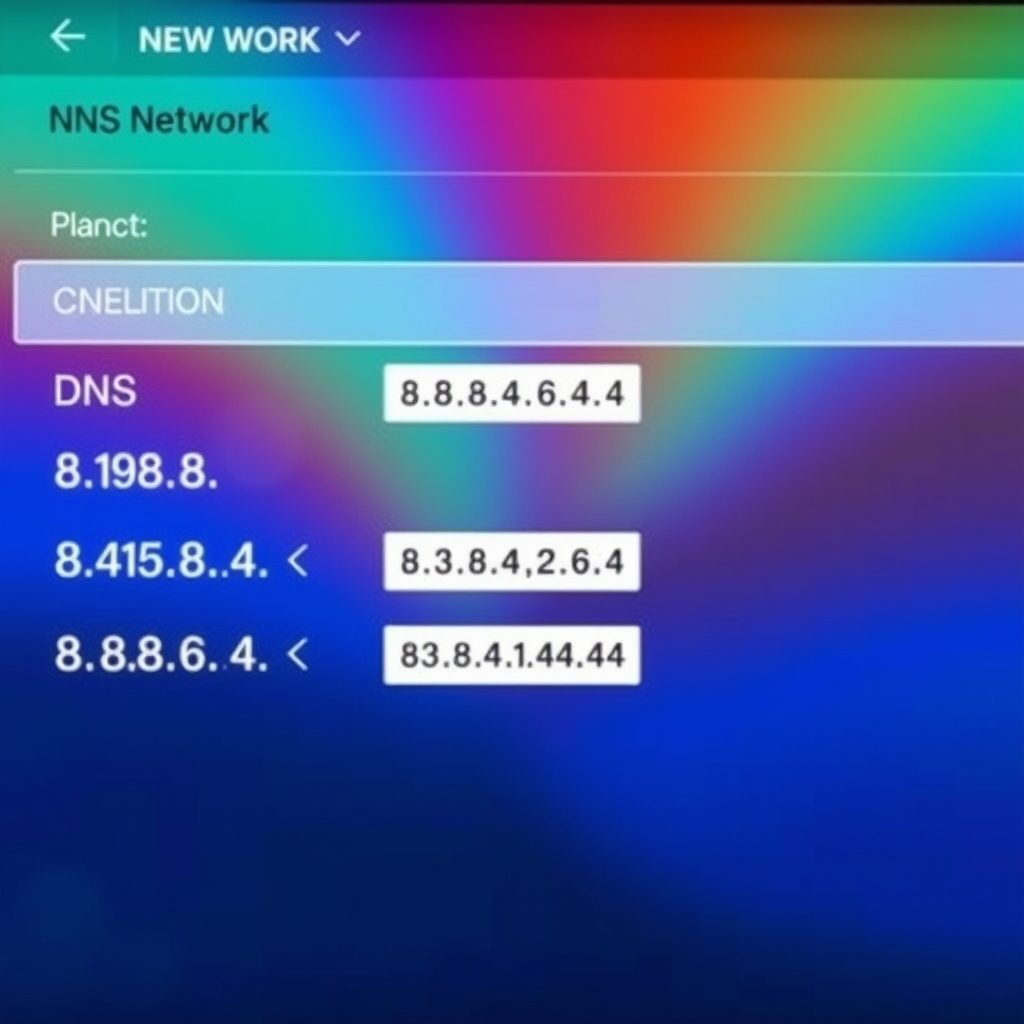
Your Domain Name System (DNS) settings directly impact how your device resolves EPG source addresses. Switching to public DNS servers like Google DNS (8.8.8.8 and 8.8.4.4) or Cloudflare DNS (1.1.1.1) can dramatically improve EPG loading reliability. These servers often provide faster and more stable resolution than default ISP DNS servers.
2. Router and Firewall Adjustments
Some routers and firewalls block or throttle EPG data streams, mistaking them for suspicious activity. Temporarily disable your firewall to test if it's causing the EPG not loading issue. If this resolves the problem, configure your firewall to allow traffic on the ports used by your IPTV service (commonly ports 80, 443, and 8080).
3. Bandwidth Allocation for EPG Data
EPG data requires minimal bandwidth, but in congested networks, it can get deprioritized. Ensure your streaming device has adequate bandwidth allocation, especially if multiple devices are using your network simultaneously. Quality of Service (QoS) settings on your router can prioritize your streaming device's traffic, ensuring EPG data loads reliably.
Provider-Side EPG Problems
Sometimes the IPTV EPG not loading fix must come from your service provider's end. Recognizing provider-side issues helps you avoid wasting time on local fixes that won't address the root cause.
1. EPG Server Outages
Like any online service, IPTV providers experience occasional server maintenance or unexpected outages. If your EPG suddenly stops working while everything else functions normally, check your provider's status page or social media channels for announcements about EPG server maintenance or issues.
2. EPG Source Changes
Providers occasionally change their EPG sources to improve reliability or add features. These changes can temporarily disrupt service until users update their configurations. Quality providers like Instant IPTV typically notify users of such changes in advance and provide updated configuration details through their support channels.
3. Account-Specific EPG Issues
Rarely, EPG problems can be specific to your account due to configuration errors on the provider's backend. Contacting support with specific details about when the problem started and what you've already tried can help them identify and resolve account-specific EPG issues quickly.
For those seeking a provider with consistently reliable EPG performance, our service guarantees 99.9% EPG uptime. Experience it yourself with our free 48-hour trial featuring fully functional program guides across all channels.
Advanced Troubleshooting Methods
When basic fixes don't resolve your IPTV EPG not loading issues, these advanced techniques can identify and solve more complex problems.
1. EPG Source Testing
Test your EPG source URL directly to determine if the problem is with the source or your application. Enter the EPG URL into a web browser on the same network as your streaming device. If the XML data displays correctly, the problem is local to your device or application. If the browser shows errors or timeouts, the issue is with the EPG source itself.
2. Log Analysis for EPG Errors
Many IPTV applications maintain error logs that can reveal why your EPG is not loading. Enable logging in your app settings, reproduce the EPG loading issue, then examine the logs for error messages related to EPG fetching, parsing, or display. Common errors include timeout messages, parsing errors, or authentication failures.
3. Alternative EPG Sources
Some advanced users configure alternative EPG sources when their primary source experiences problems. While this requires technical knowledge, it can provide a reliable backup when your provider's EPG is temporarily unavailable. Community forums and IPTV enthusiast sites often share reliable public EPG sources for various channel categories.
Prevention Tips for Future EPG Issues
Proactive measures can minimize future EPG disruptions and ensure consistently reliable program guide functionality.
1. Regular Application Updates
Keep your IPTV application updated to the latest version. Developers continuously improve EPG handling, fix bugs, and enhance compatibility with various EPG formats. Enable automatic updates when available, or establish a monthly reminder to check for updates manually.
2. Scheduled EPG Refreshes
Configure your IPTV application to refresh EPG data regularly, preferably during off-peak hours. Daily automatic refreshes prevent data staleness and reduce the likelihood of EPG not loading due to outdated cached information. Most quality IPTV apps offer scheduling options for EPG updates.
3. Network Infrastructure Maintenance
Maintain your home network equipment to prevent connectivity issues that could affect EPG loading. Regular router reboots (once monthly), firmware updates, and occasional network speed tests help identify potential problems before they disrupt your viewing experience. Consider upgrading older equipment that may struggle with modern streaming demands.
For more technical guidance on optimizing your IPTV setup, visit our comprehensive FAQ section covering everything from basic setup to advanced configuration.
Conclusion: Enjoy Seamless IPTV Viewing
An IPTV EPG not loading can significantly diminish your viewing experience, transforming what should be effortless channel browsing into a frustrating guessing game. Fortunately, most EPG issues respond well to systematic troubleshooting, beginning with simple restarts and progressing through network adjustments and provider communications when necessary.
The key to finding the right IPTV EPG not loading fix lies in methodically testing different solutions while paying attention to what changes with each attempt. Start with the simplest solutions—device and application restarts—before moving to more complex network and configuration adjustments. Document what you try and what results you observe; this information proves invaluable if you need to contact technical support.
Remember that a reliable IPTV provider makes all the difference in EPG performance. Services with robust infrastructure, regular maintenance, and responsive support teams minimize EPG disruptions and resolve them quickly when they occur. If you're tired of persistent EPG problems with your current provider, consider exploring alternatives that prioritize guide reliability alongside channel selection.
Ready to experience IPTV with consistently reliable EPG functionality? Start your free 48-hour trial today and discover seamless program guide performance across our extensive library of 9,000+ live channels, movies, and series. With our guaranteed EPG uptime and responsive support team, you can finally enjoy stress-free IPTV viewing with complete program information at your fingertips.