How to Use a VPN with IPTV for Privacy: The Complete Guide
In today's digital landscape, privacy is paramount, especially when streaming content online. If you're wondering how to use a VPN with IPTV for privacy, you've come to the right place. A Virtual Private Network (VPN) encrypts your internet connection, hides your IP address, and secures your data from prying eyes—making it an essential tool for any IPTV user. Whether you're accessing our library of 9,000+ live channels or enjoying on-demand content, combining a VPN with your IPTV service ensures a private, unrestricted streaming experience. This guide will walk you through every step, from choosing the right VPN to optimizing your setup for seamless streaming.
Table of Contents
- Why You Need a VPN for IPTV Privacy
- How to Choose the Best VPN for IPTV
- Step-by-Step: How to Set Up a VPN with IPTV
- Common VPN & IPTV Issues and Fixes
- Best Practices for Maximum Privacy
- Conclusion: Stream Safely with VPN & IPTV
Why You Absolutely Need a VPN for IPTV Privacy
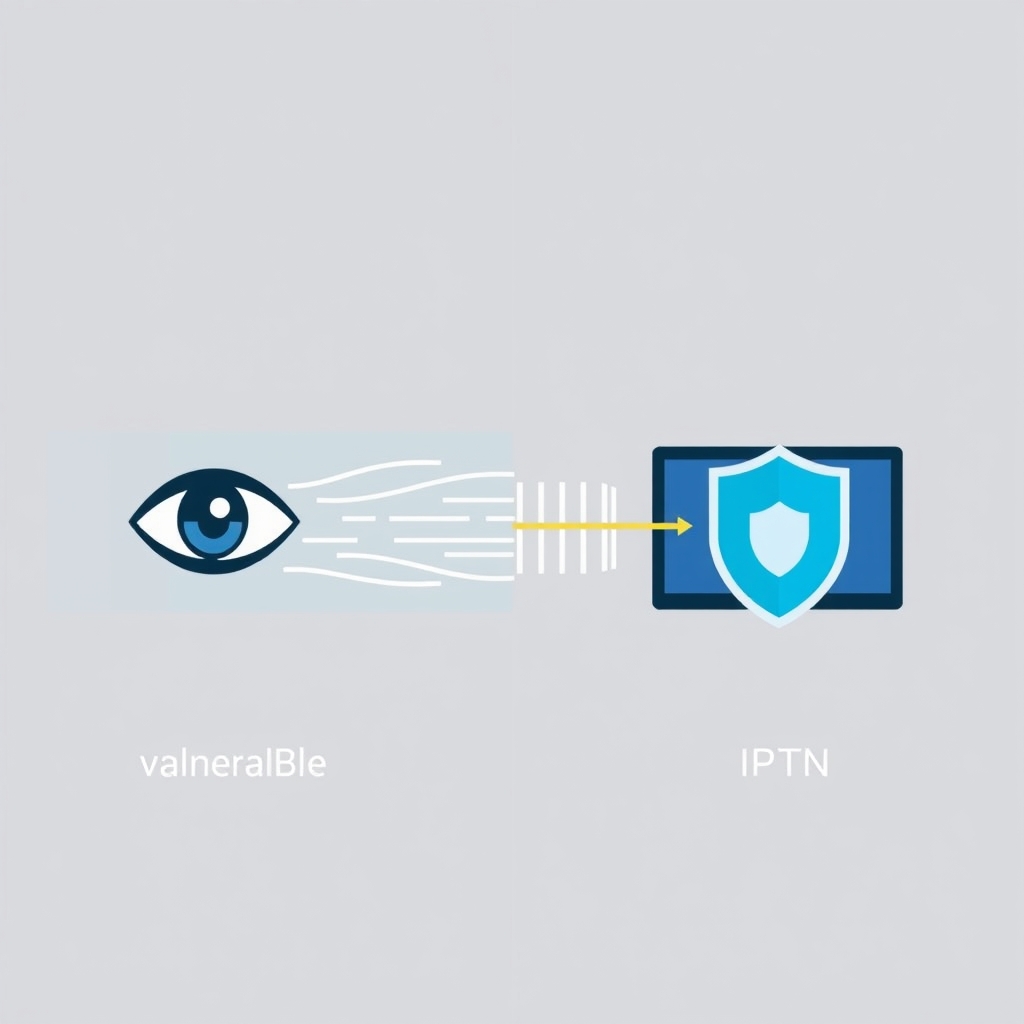
Using IPTV without a VPN exposes your online activity to several risks. Your Internet Service Provider (ISP) can monitor your streaming habits, throttle your bandwidth during peak hours, or even block access to certain IPTV services based on geographic restrictions. Moreover, in some regions, streaming copyrighted content—even unintentionally—can lead to legal notices. A VPN solves these problems by creating a secure tunnel between your device and the internet. It masks your real IP address with one from a server in a location of your choice, encrypts all data transmitted, and prevents your ISP from seeing what you're streaming. This is crucial for maintaining privacy and accessing a global catalog of content without restrictions. For instance, with our free 48-hour IPTV trial, a VPN lets you explore all 9,000+ channels from anywhere in the world securely.
How to Choose the Best VPN for IPTV Streaming
Not all VPNs are created equal, especially for IPTV. Here are the key features to look for when selecting a VPN to use with your IPTV service:
- High-Speed Servers: Streaming requires bandwidth. Choose a VPN with unlimited bandwidth and fast servers to avoid buffering.
- Strong Encryption & No-Logs Policy: Ensure the VPN uses AES-256 encryption and has a strict no-logs policy to guarantee your data isn't stored.
- Large Server Network: A wide selection of servers worldwide helps bypass geo-blocks and find the best connection.
- Compatibility: The VPN should offer apps for all your devices (Firestick, Android TV, smartphone, PC, etc.).
- Reliable Customer Support: Look for 24/7 live chat support in case you encounter setup issues.
According to a report by the Electronic Frontier Foundation, using a VPN is a fundamental step for maintaining digital privacy. Popular VPNs like ExpressVPN, NordVPN, and Surfshark consistently rank well for streaming IPTV due to their speed and reliability.
Step-by-Step Guide: How to Set Up a VPN with IPTV
Follow these simple steps to integrate a VPN with your IPTV service for enhanced privacy. This process works for most devices and VPN providers.
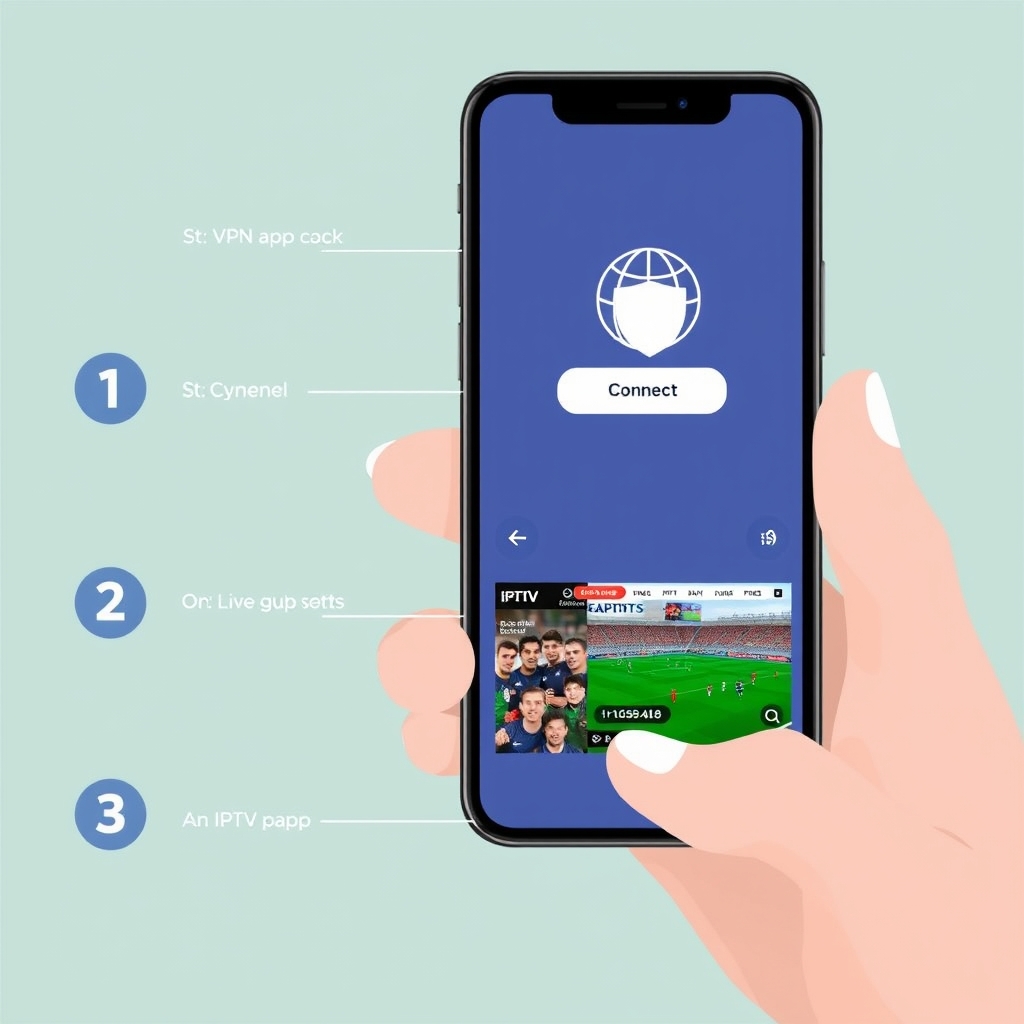
- Subscribe to a Reputable VPN: Sign up for a VPN service that meets the criteria above. Most offer money-back guarantees.
- Download and Install the VPN App: Get the app from your device's official app store (Google Play, Apple App Store, Amazon Appstore for Firestick) or the VPN's website.
- Log In and Connect to a Server: Open the VPN app, log in with your credentials, and connect to a server. For general privacy, choose a server in your own country. To access geo-restricted content, select a server in the desired country (e.g., UK for BBC iPlayer).
- Verify Your Connection: Visit a site like "whatismyip.com" to confirm your IP address has changed and your location is masked.
- Launch Your IPTV Service: Open your IPTV app or player (like our service's app). Your connection is now encrypted and private. Start streaming securely!
If you haven't chosen an IPTV service yet, you can test this setup risk-free with our free IPTV trial here, which gives you full access to our channel lineup for 48 hours.
Device-Specific Tips for VPN & IPTV
Amazon Firestick / Fire TV: Install the VPN via the Amazon Appstore or use the Downloader app to sideload the APK. Always connect the VPN before opening your IPTV app.
Android TV / Smart TV: Use the Google Play Store on the TV to install both the VPN and IPTV apps.
PC / Laptop: Use the VPN's desktop application. For added security, consider using the VPN's DNS settings or a dedicated firewall rule.
iOS / Android Phones: The process is identical to the steps above via your phone's app store.
Troubleshooting Common VPN and IPTV Issues
Even with a good setup, you might encounter hiccups. Here are quick fixes for common problems when learning how to use a VPN with IPTV for privacy:
- Buffering or Slow Speeds: Connect to a different VPN server closer to your physical location or one labeled for streaming. Also, try switching VPN protocols (e.g., from OpenVPN to WireGuard).
- IPTV App Not Loading with VPN On: Some IPTV services block known VPN IPs. Try connecting to a different server city or using obfuscated/stealth servers if your VPN offers them.
- Connection Drops: Enable the VPN's "Kill Switch" feature (if available) to cut internet access if the VPN disconnects, preventing data leaks.
- Login or Payment Issues: Temporarily disconnect the VPN when creating an account or making a payment on your IPTV service website to avoid fraud detection triggers.
For more technical help, check our IPTV FAQ page for device setup guides.
Best Practices for Maximum Privacy with IPTV and VPN
To achieve the highest level of privacy, go beyond just connecting a VPN. Adopt these practices:
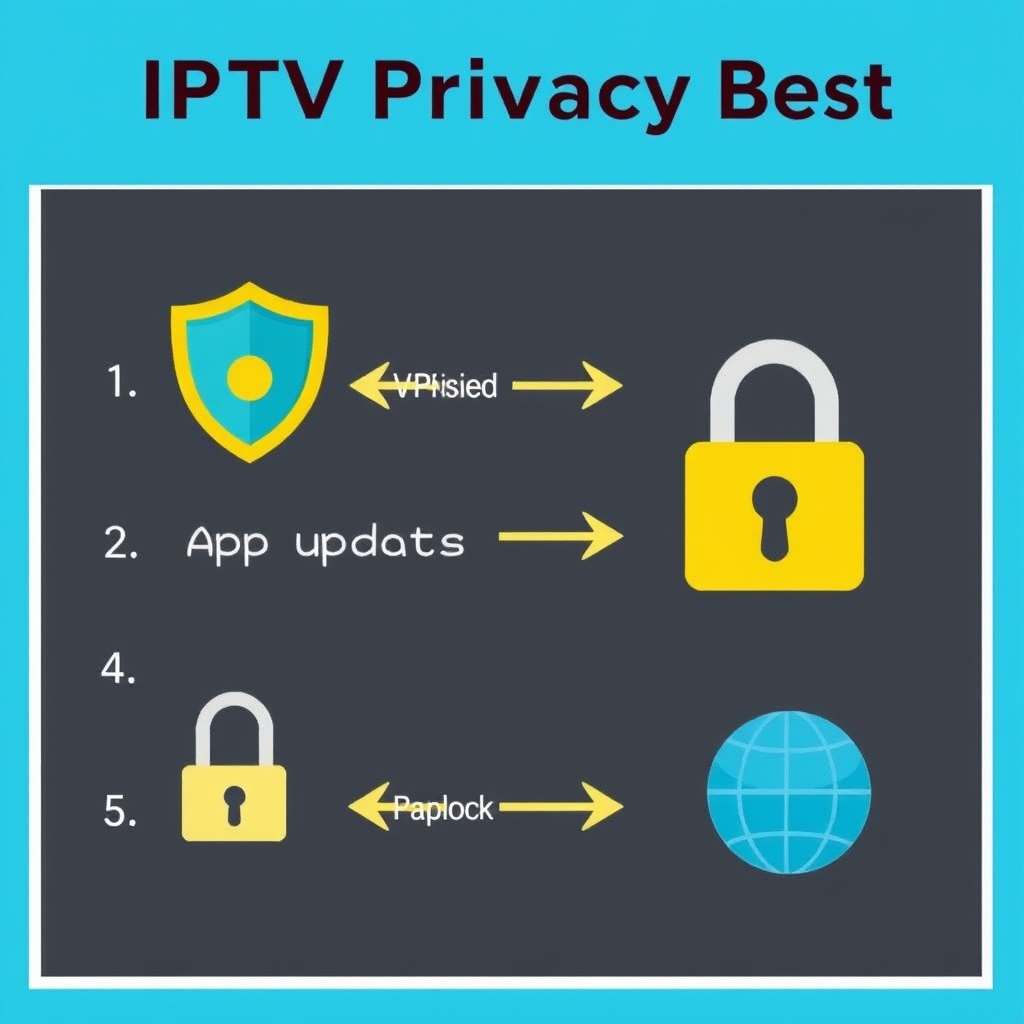
- Always Connect VPN First: Make it a habit to turn on your VPN before launching any streaming app.
- Use a Premium, Paid VPN: Free VPNs often have data limits, slow speeds, and questionable privacy policies. Investing in a reputable paid service is crucial for security.
- Regularly Update Apps: Keep both your VPN and IPTV apps updated to the latest versions for security patches and performance improvements.
- Combine with a Secure DNS: Some VPNs allow custom DNS settings. Using a privacy-focused DNS (like Cloudflare's 1.1.1.1) can add an extra layer.
- Be Mindful of Legalities: Use a VPN and IPTV service to protect your privacy and access legitimate content. Ensure the content you stream is authorized in your region.
Conclusion: Secure Your Streaming Freedom with VPN & IPTV
Understanding how to use a VPN with IPTV for privacy is no longer optional—it's a necessity for the modern streamer. It empowers you to take control of your digital footprint, unlock a world of content without borders, and enjoy buffer-free streaming without ISP interference. The combination of a robust VPN and a high-quality IPTV service like ours, with over 9,000 live channels, creates the ultimate private entertainment hub. By following the steps and best practices outlined in this guide, you can stream with confidence and peace of mind. Ready to experience secure, private IPTV? Start by testing our service with a free 48-hour trial here, and remember to pair it with a trusted VPN from the very first stream. Your privacy is worth protecting.