Table of Contents
- What Makes the Fastest IPTV Servers?
- Top 7 Factors for IPTV Server Speed
- Why Server Locations Matter for Speed
- The Critical Role of CDNs
- How to Test Your IPTV Server Speed
- Optimizing Your Home Setup for Speed
- Choosing a Provider with Fast Servers
- Conclusion: Stream Without Limits
What Makes the Fastest IPTV Servers for Streaming?
Finding the fastest IPTV servers is the difference between a flawless, cinematic experience and a frustrating night of buffering icons. In the world of Internet Protocol Television, server speed isn't just about raw bandwidth; it's about intelligent infrastructure, strategic global placement, and optimized data delivery protocols. The fastest servers ensure your live sports, 4K movies, and news channels stream without a single hiccup, even during peak viewing hours. For services offering massive libraries like 9,000+ live channels, this backbone is non-negotiable.
At its core, a fast IPTV server provides low latency, high uptime, and excellent throughput. This means the time it takes for data to travel from the server to your screen is minimal, the server is almost always online and accessible, and it can handle sending high-quality video streams to thousands of users simultaneously. When you start a free IPTV trial here, the first thing you should test is this seamless performance during prime time.
Top 7 Factors That Define the Fastest IPTV Servers
Not all servers are created equal. Here are the key technical and infrastructural elements that separate the best from the rest.
- Global Server Distribution: The fastest IPTV servers aren't in one location. They are spread across continents—North America, Europe, Asia—to be physically closer to users, reducing the distance data must travel.
- Content Delivery Network (CDN) Integration: Top providers use premium CDNs like Cloudflare, Akamai, or proprietary networks. A CDN caches (stores) channel data on servers worldwide, so your stream comes from a local node instead of a central hub.
- High-Bandwidth Connections: Server connections of 10 Gbps or higher are standard for premium providers. This ensures there's always ample capacity in the "pipe" to your device.
- Load Balancing: Intelligent software automatically distributes user connections across multiple servers. This prevents any single server from being overloaded, which is a primary cause of buffering.
- Uptime Guarantees: Look for providers that promise 99.9% uptime. This reliability is a direct indicator of robust, well-maintained server infrastructure.
- Modern Streaming Protocols: Support for efficient protocols like HLS (HTTP Live Streaming) with adaptive bitrate is crucial. This allows the stream quality to dynamically adjust to your internet speed.
- Dedicated vs. Shared Resources: The fastest IPTV servers often use dedicated hardware or virtual private servers for critical functions, ensuring resources aren't squeezed by other users.

Why Server Geographic Location is a Game-Changer
Physics plays a big role in streaming. Data travels at a finite speed through fiber-optic cables. If you're in New York and your IPTV server is in London, your data has to cross the Atlantic Ocean, adding precious milliseconds of latency. This can manifest as a longer channel load time or sync issues. The fastest IPTV servers for streaming solve this by having points of presence (PoPs) in or near major population centers.
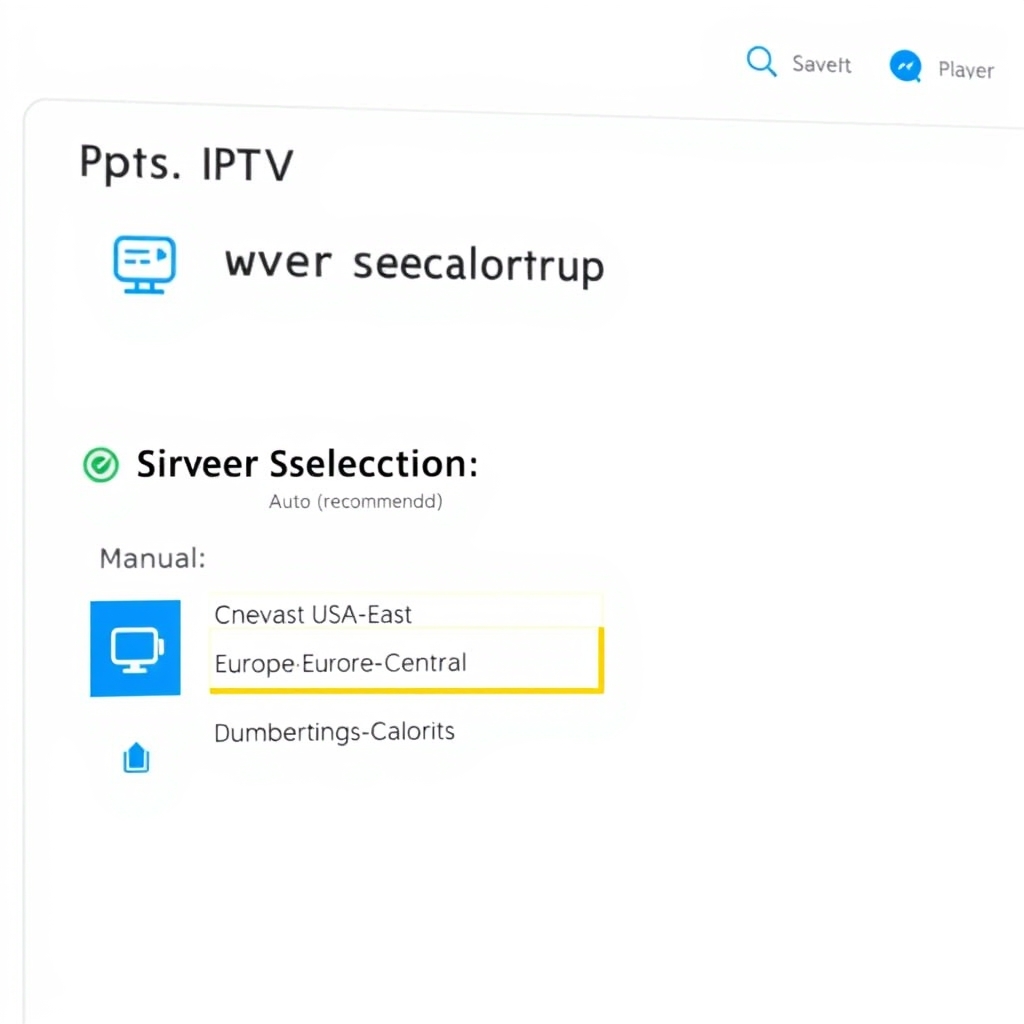
When you connect, a smart service will automatically route you to the nearest available server node. This geographic proximity is why a provider with a well-distributed network will almost always outperform one with a single, centralized server farm, regardless of its power. It's a core reason why our service maintains multiple high-performance nodes to ensure a smooth free trial experience for users worldwide.
The Critical Role of CDNs in IPTV Speed
A Content Delivery Network is the unsung hero behind buffer-free streaming. Think of it as a network of express delivery hubs for video data. Instead of all users requesting the live CNN feed from one main server in Texas, a CDN stores (caches) that feed on servers in Los Angeles, Chicago, Miami, and Toronto.
When you click on CNN, you get it from the server closest to you, often in the same city or region. This drastically cuts down latency and load times. According to a Cloudflare explanation, CDNs are essential for delivering fast, reliable online content at scale. For IPTV services with thousands of concurrent users, a robust CDN isn't a luxury; it's the foundation of the fastest IPTV servers.
How to Test Your IPTV Server Connection Speed
You don't need to be an engineer to gauge server performance. During your evaluation period, conduct these simple tests:
- Peak Hour Test: Watch popular live sports or prime-time TV between 8 PM and 11 PM local time. This is when network strain is highest. Consistent quality here is a great sign.
- Channel Switching Test: Rapidly change between 5-10 different channels. The fastest IPTV servers will load each new channel in under 1-2 seconds.
- Quality Consistency: Play a 4K or 1080p FHD channel for 30 minutes. Note any automatic downgrades in resolution or buffering events.
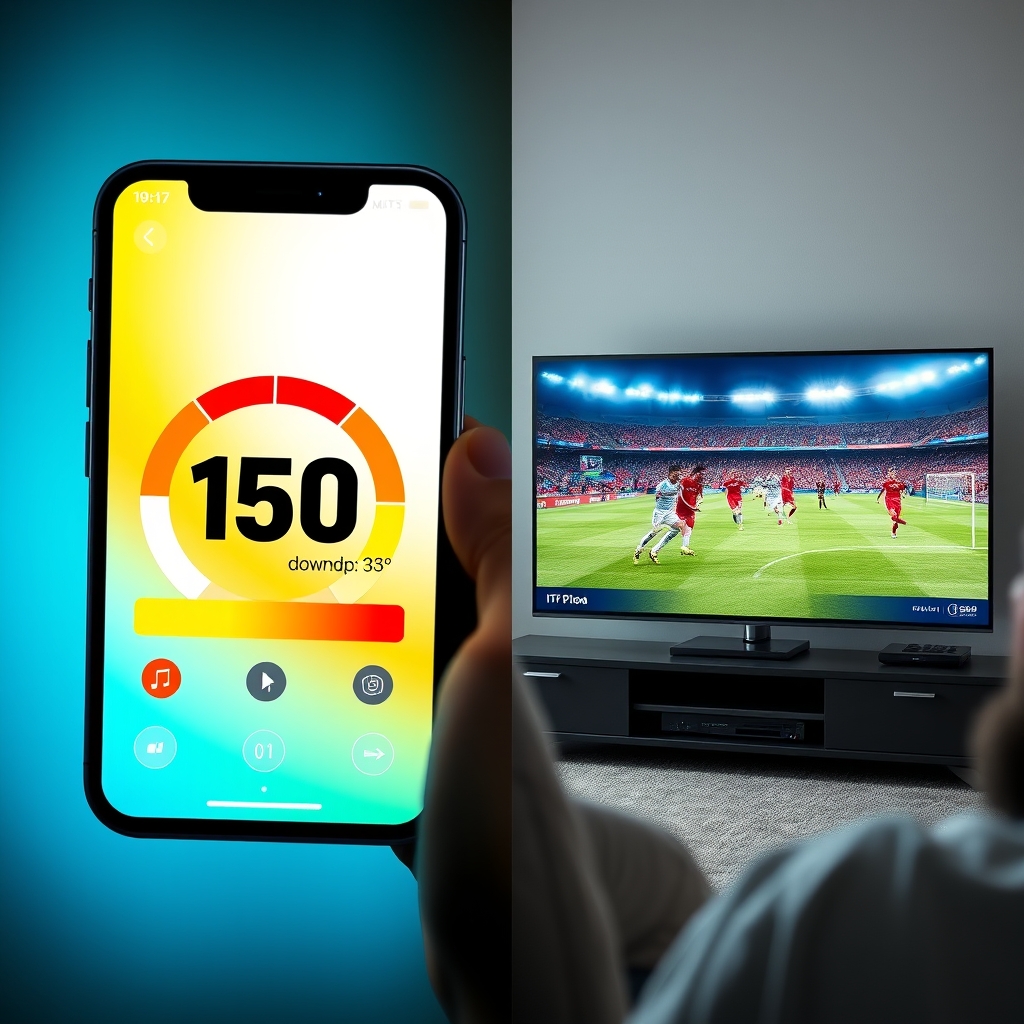
- Use a Speed Test Tool: While streaming, run a standard internet speed test (like speedtest.net). If your connection is strong (e.g., 50+ Mbps) but you're buffering, the issue is likely server-side, not with your home internet.
Optimizing Your Home Setup for the Fastest Streams
Even with the world's best servers, a poor home network can bottleneck your experience. Ensure you're getting the most from your service.
- Wired Over Wireless: For the absolute best performance, connect your streaming device (like an Amazon Firestick or Android Box) directly to your router via an Ethernet cable. This provides a stable, high-speed connection.
- Use 5GHz Wi-Fi: If you must use Wi-Fi, ensure your device is connected to the less congested 5GHz band from your router, not the 2.4GHz band.
- Router Placement and Reboot: Place your router centrally and reboot it monthly to clear its memory cache.
- Dedicated Streaming Device: Avoid using smart TV built-in apps if they are known to be underpowered. A dedicated device often has better processing power and network hardware.
How to Choose a Provider with the Fastest IPTV Servers
Since providers rarely publish their server specs, you have to be a detective. Look for these indicators:
- Free Trial Offers: A reputable provider confident in their infrastructure will offer a trial. This is your chance to test their fastest IPTV servers firsthand with no risk.
- User Reviews and Reputation: Search for mentions of "speed," "buffering," and "reliability" in independent user reviews and forums.
- Channel Count and Quality: A provider offering stable 4K and FHD streams across 9,000+ channels likely has a powerful server network to support that data load.
- Customer Support Responsiveness: Good support can help with server-side optimizations, like switching your assigned server if you experience issues.
The best proof is personal experience. We invite you to test our network's capability with a free 48-hour IPTV trial here. Experience our multi-node server infrastructure and see if it meets your standard for the fastest streaming.
Conclusion: Stream Without Limits on the Fastest IPTV Servers
In the quest for perfect streaming, the infrastructure behind the service is everything. The fastest IPTV servers for streaming combine geographic diversity, cutting-edge CDN technology, and robust hardware to deliver a seamless, buffer-free experience. It transforms IPTV from a mere alternative into a premium viewing platform that rivals and often surpasses traditional cable. By understanding the factors that contribute to server speed and knowing how to test them, you can make an informed choice. Don't settle for constant buffering. The technology for flawless streaming exists. The next step is to experience it for yourself and unlock a world of limitless, high-speed entertainment.