The Ultimate Guide to the Best IPTV Player for Windows PC
Finding the best IPTV player for Windows PC is the final step to unlocking a world of live TV, movies, and sports on your computer. A great player delivers smooth streaming, an intuitive interface, and support for your IPTV service's playlists. In this comprehensive guide, we review the top 7 players, provide step-by-step setup instructions, and show you how to test them all with a free 48-hour IPTV trial offering over 9,000 channels.
Table of Contents
- What Makes the Best IPTV Player for Windows?
- 1. VLC Media Player: The Universal Free Choice
- 2. Kodi: The Fully Customizable Powerhouse
- 3. MyIPTV Player: The Simple & Native App
- 4. ProgDVB: Advanced for Satellite & IPTV
- 5. OTTPlayer: Cloud-Based Playlist Manager
- 6. IPTV Smarters Pro: The Service-Friendly Option
- 7. Windows Store IPTV Apps
- How to Set Up Any IPTV Player on Windows
- Test Players with a Free IPTV Trial
- Conclusion: Your Best IPTV Player for Windows PC
What Makes the Best IPTV Player for Windows PC?
Not all media players are created equal for IPTV. The best IPTV player for Windows PC should excel in several key areas. First, it must have robust compatibility with common playlist formats like M3U and M3U8. Performance is critical; it should handle high-bitrate streams without buffering. A user-friendly Electronic Program Guide (EPG) for seeing what's on is a major plus. Other factors include customization options, recording capabilities, and low system resource usage. Your choice ultimately depends on whether you prioritize simplicity (like MyIPTV Player) or advanced features (like Kodi with add-ons).
1. VLC Media Player: The Universal Free Choice
VLC is often the first recommendation and a strong contender for the best IPTV player for Windows PC for beginners. It's completely free, open-source, and plays virtually any format. Setting up IPTV is straightforward: simply open the 'Media' menu, select 'Open Network Stream,' and paste your M3U URL from your IPTV provider. VLC is lightweight, stable, and supports channel grouping. Its main drawback is a basic EPG, but for raw, reliable playback, it's hard to beat.
VLC Pros & Cons
- Pros: 100% free, no ads, supports all codecs, very stable, low CPU usage.
- Cons: Basic interface for IPTV, limited EPG functionality, manual playlist updates.
2. Kodi: The Fully Customizable Powerhouse
Kodi is a legendary media center that transforms your PC into an entertainment hub. With add-ons like PVR IPTV Simple Client, it becomes one of the most powerful IPTV players for Windows. You get a beautiful, TV-optimized interface, a fully integrated EPG, recording schedules, and library integration. The setup is more involved than VLC, but the payoff is a professional-grade experience. It's ideal for users who want their live TV, movies, and music all in one place.
3. MyIPTV Player: The Simple & Native App
Available in the Microsoft Store, MyIPTV Player is a dedicated, minimalist app built solely for IPTV. It's designed for ease of use: install, add your M3U playlist and EPG URL, and you're done. It features a clean channel list, a functional EPG, and a familiar Windows app feel. It's a fantastic 'set-it-and-forget-it' option for users who don't need the bells and whistles of Kodi but want a more tailored experience than VLC.
4. ProgDVB: Advanced for Satellite & IPTV
ProgDVB is professional-grade software for enthusiasts. It supports IPTV, satellite, terrestrial, and cable TV. Its strength lies in advanced features like timeshift, extensive recording options, and plugin support. If you have a TV tuner card and also use IPTV, ProgDVB unifies everything. The interface is complex, making it the best IPTV player for Windows PC for advanced users, not casual viewers.
5. OTTPlayer: Cloud-Based Playlist Manager
OTTPlayer takes a unique approach. You manage your playlists and EPG on their website, and then access them through their Windows app or web player. This cloud-based system means your settings sync across devices. The interface is modern and simple. It's a great choice if you use IPTV on multiple devices and want centralized playlist management without configuring each one individually.
6. IPTV Smarters Pro: The Service-Friendly Option
While officially an Android/iOS app, IPTV Smarters Pro runs smoothly on Windows 11/10 using the Windows Subsystem for Android or an Android emulator like BlueStacks. Many IPTV services, including ours, provide direct login compatibility with Smarters. It offers a beautiful, service-integrated experience with categories, VOD (Video on Demand), series, and catch-up TV in one app. If you don't mind the extra setup layer, it provides a premium feel.
7. Windows Store IPTV Apps
The Microsoft Store hosts several other dedicated IPTV players like 'IPTV' or 'Perfect Player IPTV.' These are typically paid apps ($2-$10) that offer polished interfaces, EPG support, and parental controls. They are a good middle ground, offering more features than MyIPTV Player but less complexity than Kodi. Always check recent reviews before purchasing to ensure compatibility and active development.
How to Set Up Any IPTV Player on Windows
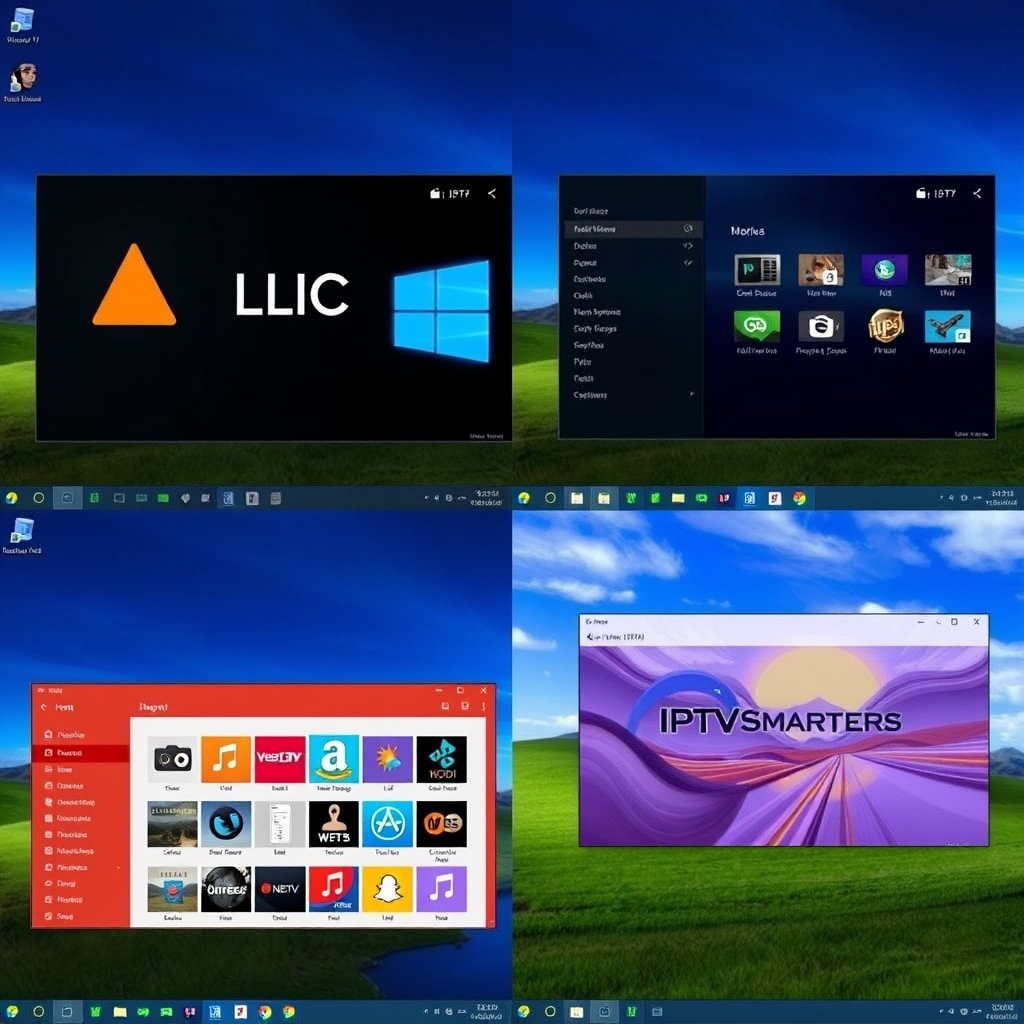
The setup process for most IPTV players for Windows PC follows a similar pattern. First, you need an active IPTV subscription with an M3U playlist URL and an EPG (XMLTV) URL. Your provider, like InstantIPTVTrial, will supply these after you sign up for a free trial here.
- Download & Install your chosen player from its official website or the Microsoft Store.
- Locate the Settings for adding a playlist, often under 'Open Network Stream' (VLC) or 'PVR Clients' (Kodi).
- Enter Your Playlist URL paste the M3U link provided by your IPTV service.
- Add the EPG URL (if supported) for program guide data.
- Save and Reload the playlist. Your channels should populate within the player.
For detailed, player-specific guides, visit our FAQ and setup tutorial section.
The Best Way to Test: Use a Free IPTV Trial
The only way to find your personal best IPTV player for Windows PC is to test them with real, high-quality streams. This is where our free 48-hour IPTV trial is invaluable. You get full access to over 9,000 live channels, including premium sports, news, and international content. You can use the trial's M3U URL to configure VLC, Kodi, MyIPTV Player, and others back-to-back. See which player handles the streams most smoothly, which EPG you prefer, and which interface you enjoy using daily. It's a risk-free way to make the perfect choice. According to streaming experts at StreamingMedia.com, testing compatibility is crucial before committing to any service.
Conclusion: Choose Your Best IPTV Player for Windows PC
Selecting the best IPTV player for Windows PC depends on your technical comfort and desired features. For most users, VLC offers a perfect, free starting point. If you crave customization and a full media center, invest time in setting up Kodi. For a clean, dedicated app, try MyIPTV Player from the Windows Store. Remember, the player is only half the equation; you need a reliable IPTV service with stable streams. We recommend you start your free IPTV trial here, grab your playlist URL, and experiment with these top players to build your ultimate Windows viewing setup. For more tips and comparisons, explore our more guides on IPTV.