Best Internet Speed for IPTV Streaming: Your Ultimate Guide to Buffer-Free TV
Wondering what the best internet speed for IPTV streaming truly is? You're not alone. With IPTV delivering thousands of live channels and on-demand content directly over the internet, your connection is the lifeline of your viewing experience. A speed that's too slow means constant buffering, pixelation, and frustration. Too fast, and you might be overpaying for bandwidth you don't need. This comprehensive guide cuts through the confusion. We'll provide the exact speed recommendations for Standard Definition (SD), High Definition (HD), and 4K Ultra HD streaming, explain the critical factors beyond raw speed, and show you how to optimize your network. Ready for seamless viewing? Start by testing our service with a free 48-hour IPTV trial here, featuring over 9,000 channels, to see how it performs on your connection.
Table of Contents
- Minimum vs. Recommended Internet Speed for IPTV
- IPTV Speed Requirements by Video Quality (SD, HD, 4K)
- Beyond Speed: 4 Critical Factors for Stable IPTV
- How to Test and Optimize Your Internet for IPTV
- Troubleshooting Common IPTV Buffering Issues
- Conclusion: Ensuring the Perfect Stream
Minimum vs. Recommended Internet Speed for IPTV
Let's establish a baseline. The absolute minimum internet speed for IPTV streaming to function at all is around 5-10 Mbps (Megabits per second). This might handle a single Standard Definition stream, but it leaves no headroom for other devices or network fluctuations, making buffering highly likely. For a reliable, enjoyable experience, we must talk about recommended speeds. A stable 25 Mbps download speed is widely considered the safe starting point for modern IPTV services. This allows for one HD stream while accommodating background tasks like browsing or downloads on other devices. According to the FCC's Household Broadband Guide, streaming HD video requires 5-8 Mbps, but this is for a single stream under ideal conditions. IPTV, with its live feeds and potential for multiple connections, demands more robust bandwidth.
Why Recommended Speed is Higher Than Minimum
Your internet connection is shared. Even if you're only watching TV, your phone might be updating apps, a smart speaker could be streaming music, or your router might be managing other devices. The recommended speed builds in a buffer (no pun intended) for these activities and for the inherent variability in internet performance, especially during peak hours.
IPTV Speed Requirements by Video Quality
Not all streams are created equal. Higher video quality consumes significantly more data. Here’s a detailed breakdown of the best internet speed for IPTV streaming at different resolutions.
- Standard Definition (SD - 480p): Requires 3-6 Mbps. Suitable for smaller screens or very limited bandwidth, but picture quality is noticeably lower.
- High Definition (HD - 720p/1080p): Requires 8-15 Mbps per stream. This is the sweet spot for most viewers, offering excellent clarity on modern TVs. For a single HD stream, a 25 Mbps connection is ideal.
- Full HD / 1080p60 (High Frame Rate): Requires 12-20 Mbps. Often used for fast-action sports, this provides smoother motion.
- 4K Ultra HD (2160p): Requires 25-50 Mbps per stream. 4K content offers four times the pixels of 1080p, delivering stunning detail. A consistent 50+ Mbps connection is strongly recommended for trouble-free 4K IPTV streaming.
- Multiple Streams / Households: This is crucial. If two people are watching HD streams simultaneously, you need 16-30 Mbps. For two 4K streams, you'll need 50-100 Mbps. Always calculate for your maximum concurrent usage.
Beyond Speed: 4 Critical Factors for Stable IPTV
Raw download speed is only part of the equation. For the best internet speed for IPTV streaming experience, these four factors are equally important:
- Latency (Ping): Measured in milliseconds (ms), this is the reaction time of your connection. High latency causes delays between your request and the server's response, which can lead to live TV being behind or connection timeouts. For IPTV, aim for a ping under 50ms.
- Jitter: This is the variability in your latency. A stable 30ms ping is better than a ping that fluctuates between 10ms and 100ms. High jitter causes packet loss and is a prime culprit for buffering. Use a wired connection to minimize jitter.
- Upload Speed: While less critical than download, a decent upload speed (at least 3-5 Mbps) is necessary for sending requests to the IPTV server and for any two-way communication on your network.
- Data Caps: Some ISPs impose monthly data limits. Streaming IPTV, especially in HD or 4K, consumes a lot of data—up to 7 GB per hour for 4K. Ensure your plan has an unlimited data allowance or a very high cap.
How to Test and Optimize Your Internet for IPTV
Before you blame the service, test your network. Use sites like Speedtest.net or Fast.com to check your current download speed, upload speed, and ping. Run the test on the device you use for IPTV, or better yet, on a device connected to the same network segment (e.g., both on Wi-Fi in the living room).
Optimization Tips:
- Use a Wired Ethernet Connection: This is the single most effective improvement. A direct cable from your router to your IPTV device (set-top box, Fire Stick, etc.) provides maximum stability, lowest latency, and eliminates Wi-Fi interference.
- Upgrade Your Router: An old router can bottleneck even a fast internet plan. Ensure you have a modern, dual-band router (2.4 GHz for range, 5 GHz for speed).
- Position Your Router Centrally: If using Wi-Fi, keep your router elevated, away from walls, metal objects, and other electronics like microwaves or cordless phones.
- Limit Background Activities: Pause large downloads, cloud backups, or online gaming on other devices while streaming IPTV to free up bandwidth.
The best way to know if your internet is up to the task? Put it to the test with real content. Sign up for our free 48-hour IPTV trial here and stream some of our 9,000+ live channels in HD to see the performance firsthand.
Troubleshooting Common IPTV Buffering Issues
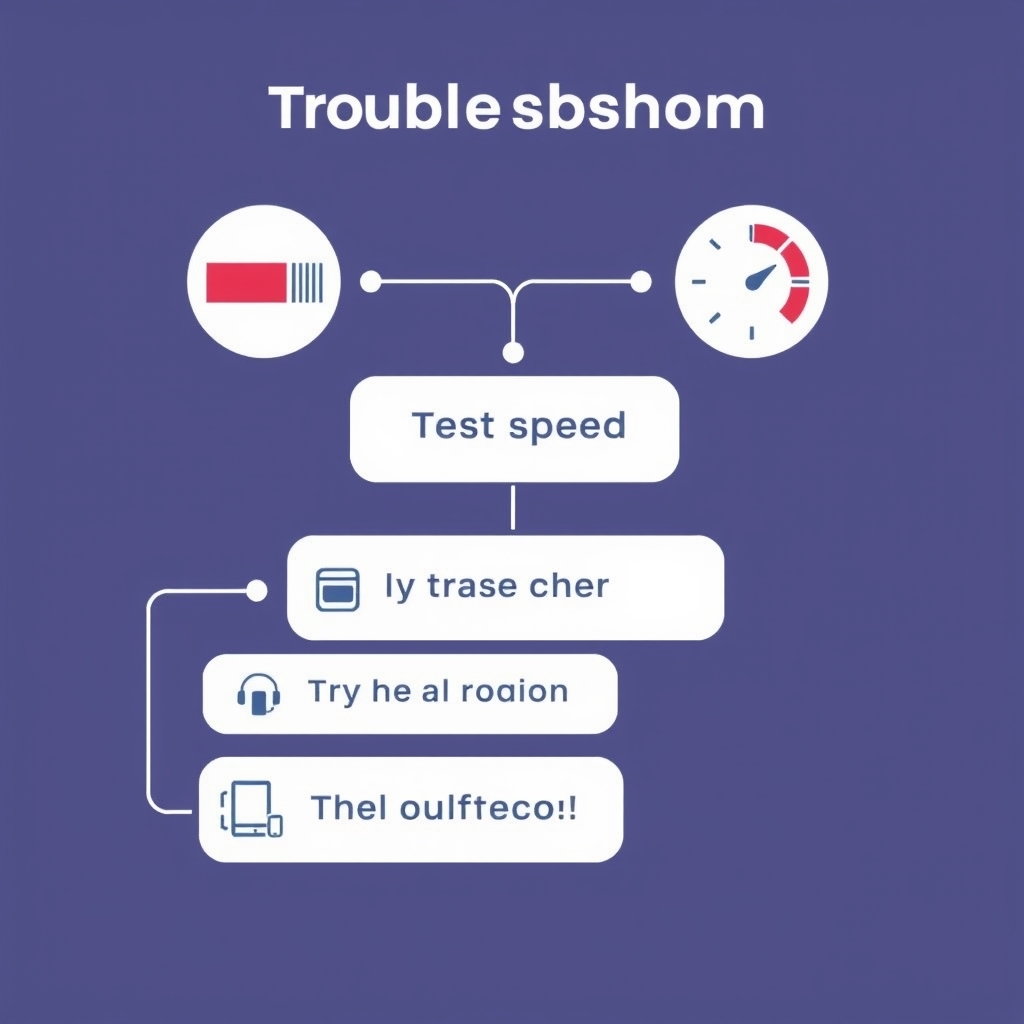
Even with good speed, you might encounter issues. Here’s a quick diagnostic flow:
- Symptom: Constant buffering. First, run a speed test. If speed is low, restart your modem and router. If speed is fine, try a wired connection. If the problem persists on wired, it may be a temporary server-side issue or require checking your IPTV app settings.
- Symptom: Pixelation or blocky video. This indicates packet loss, often due to Wi-Fi interference or jitter. Switch to the 5 GHz Wi-Fi band (if available and in range) or, ideally, use an Ethernet cable.
- Symptom: Live TV is delayed. This is usually high latency. A wired connection will help. Also, ensure you're using a server location provided by your IPTV service that is geographically close to you.
For more help, visit our comprehensive IPTV FAQ page for solutions to common technical questions.
Conclusion: Ensuring the Perfect Stream
Finding the best internet speed for IPTV streaming is about balancing capability with reality. For most households aiming to enjoy HD content reliably, a consistent 25-50 Mbps download speed is the recommended target. For 4K enthusiasts or multi-user homes, 50-100 Mbps or more becomes essential. Remember, stability from a wired connection often trumps a faster but erratic Wi-Fi signal. By understanding your speed requirements, optimizing your home network, and choosing a high-quality IPTV provider, you can eliminate buffering and enjoy a seamless, cinema-like experience from the comfort of your living room. Don't guess—test. See how your connection handles a premium IPTV service by taking advantage of our free 48-hour trial today and explore a world of over 9,000 channels in stunning clarity.